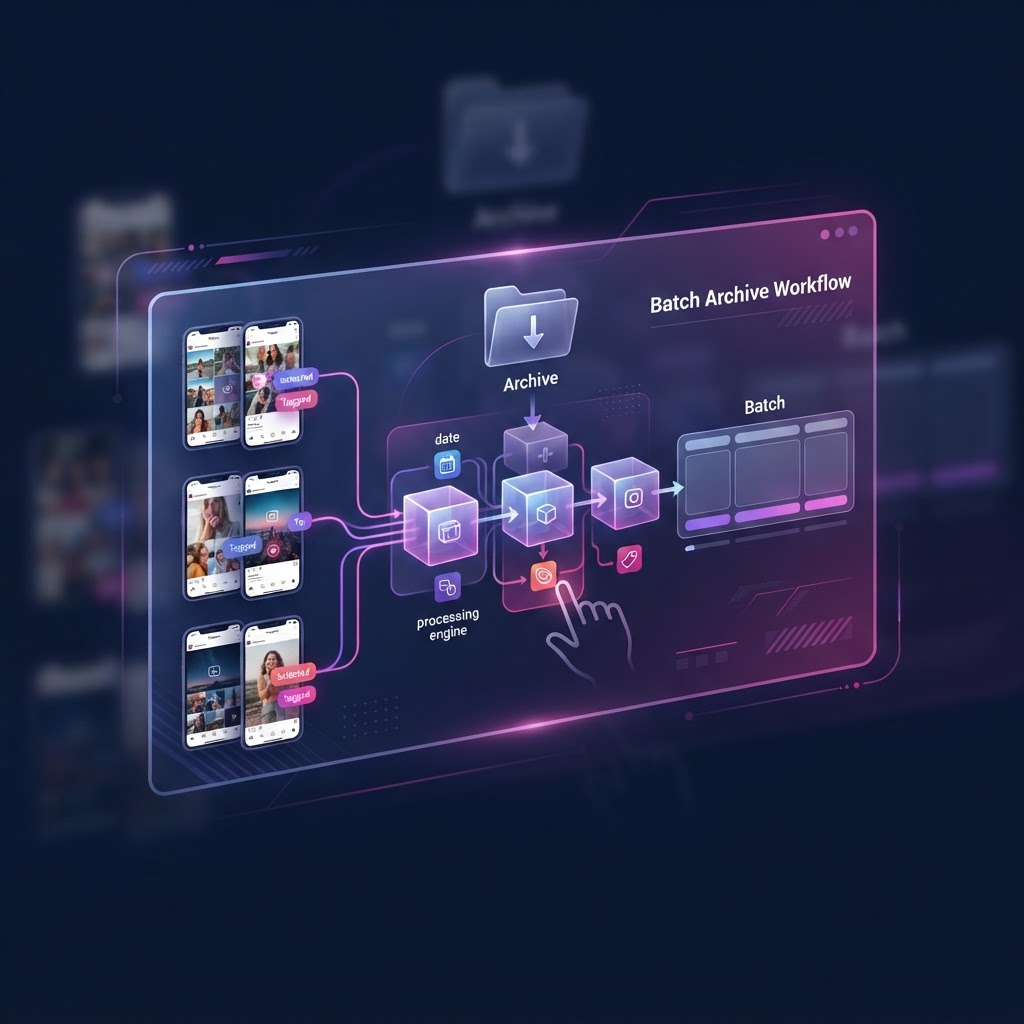
Building an Efficient Batch Archive Instagram Content Workflow: A Professional Guide
For researchers, marketing analysts, and competitive intelligence professionals, the ephemeral nature of Instagram content—specifically Stories that vanish after 24 hours—presents a critical data preservation challenge. Relying on manual, ad-hoc screenshots results in fragmented data, inconsistent quality, and lost insights. To mitigate this, you must transition to a robust, batch-oriented workflow. This guide outlines the systematic architecture required to capture, organize, and retrieve Instagram media at scale.
The Strategic Importance of a Centralized Archive
Efficiency in data management is defined by the reduction of friction between discovery and storage. When tracking multiple accounts, your goal is to minimize the "time-to-archive." A centralized system eliminates the chaos of scattered downloads, fragmented folder structures, and lost files. Whether you are tracking influencer trends, brand sentiment, or competitive ad creative, a professional workflow requires a dedicated digital infrastructure. By separating your observation environment from your personal social media footprint, you ensure data integrity and avoid the algorithmic noise associated with a logged-in account.
Establishing Your Anonymous Viewing Layer
Before you begin capturing, you must secure a clean viewing environment. Relying on your personal Instagram account to view and download stories creates two problems: it ties your collection efforts to your identity, and it introduces your own activity history into the algorithm, potentially polluting your feed.
Instead, utilize professional-grade viewing tools like InstaSpy.ai. These tools provide an anonymous interface that allows you to observe content without notifying the account holder or interacting with the platform's native engagement systems. Understanding the difference between Direct Link vs Search Story Viewing: Which Anonymous Method is Better? is essential to your efficiency. Choose the method that allows for the fastest access to the content you intend to archive, as speed is critical when collecting time-sensitive media.
Designing Your Capture Infrastructure
Your capture phase is the foundation of your archive. To build a sustainable workflow, you must standardize the input method.
The Three Tiers of Capture
- Manual High-Resolution: For critical, high-impact content, use native desktop screen capture tools like OBS Studio or QuickTime. These provide the highest bitrates and ensure no compression artifacts are introduced during the saving process.
- Batch Browser Utilities: For high-volume content, utilize specialized browser-based downloaders. These tools bypass the need to manually "save" individual files, allowing you to pull media directly from the URL.
- Automated Scraping: For advanced users, writing custom scripts to monitor specific account URLs can streamline the process. This is the most efficient method for managing large-scale tracking, though it requires regular maintenance to keep up with platform updates.
Always ensure that your workflow includes a verification step. Check the resolution and duration of captured media immediately after the collection run to ensure no corrupted files are being saved to your permanent archive.
Standardizing Naming Conventions for Metadata Integrity
An archive is only as useful as its searchability. The most common pitfall in content archiving is the "default filename" trap. If you save your files as IMG_5920.jpg, you have effectively discarded the most valuable metadata associated with that asset.
Adopt a strict, machine-readable syntax. A recommended format is: YYYYMMDD_Username_Category_Descriptor.
- Example:
20231115_BrandX_ProductLaunch_Story04.mp4
This format allows your operating system to sort files chronologically and allows you to use grep or global search functions to pull all assets related to a specific account or campaign in seconds. Additionally, maintain a companion CSV file that logs the original URL and the exact time of capture. This provides a digital "paper trail" if you ever need to verify the source of the content later.
Organizing Your Storage Hierarchy
Scaling your storage requires a tiered approach to prevent your system from becoming a "digital landfill."
The Tiered Storage Framework
- Hot Storage (Tier 1): Use a local, high-speed NVMe SSD folder synced to a cloud provider like Google Drive or Dropbox. This is for content from the last 30 days. It should be easily accessible for daily analysis.
- Cold Storage (Tier 2): Use long-term, cost-effective storage such as AWS S3 Glacier or Backblaze B2. Move files here once they are over 30 days old. This ensures your active workstation remains fast and uncluttered without sacrificing data accessibility.
- The Archive Registry: Maintain a master spreadsheet that links to your cloud folders. Use this document as your primary dashboard for navigating your history rather than browsing through folders manually.
Try InstaSPY now
View your first Instagram profile Anonymously for free
Enter a username to view available stories, highlights, reels, and posts without an Instagram login.
No Instagram password required
Managing Operational Limitations and Troubleshooting
No archival workflow is foolproof. Instagram’s platform security and the ephemeral nature of Stories create inherent limitations that you must design around.
- The "Missing Link" Scenario: Sometimes, a story will be deleted or an account will go private before you reach it. Create a "Failure Log" where you note the URL and the date of the failed attempt. This allows you to identify patterns—for example, if a specific account deletes stories consistently within 6 hours, you can prioritize that account in your morning run.
- Privacy and Ethics: Your workflow should only involve content that is publicly accessible. Avoid attempting to bypass account privacy settings. Archiving for research is a common practice, but always respect the platform's terms regarding re-distribution.
- Dynamic Content Changes: Sometimes multiple assets are uploaded to one story sequence. Ensure your capture workflow supports multi-part files so you don't break the narrative context of the original post.
Routine Maintenance and Audit Protocols
Your workflow will decay if not maintained. Schedule a monthly "Archive Audit." During this session, verify that your folder structure is still logical, delete redundant test files, and perform an integrity check on your backups.
Ask yourself: Are my naming conventions still sufficient? Is my cloud storage capacity adequate? Do I need to expand my monitoring list or prune inactive accounts? By performing these checks, you transform your archive from a static dump of files into a dynamic research database that grows in value over time.
Frequently Asked Questions
How often should I run my capture?
Frequency depends on the profile's activity level. For high-volume accounts, a bi-daily run (once every 12 hours) ensures you capture everything before the 24-hour expiration window.
What is the best file format for long-term storage?
For video, MP4 (H.264 or H.265 codec) is the industry standard for compatibility and compression efficiency. For images, use WEBP or PNG if transparency is required, or high-quality JPG for general purpose.
Can I fully automate this process?
While you can automate the download, the curation is manual. You should treat the automation as a tool that populates your inbox, but you remain the editor who categorizes and prioritizes the content.
Is the content I archive copyrighted?
Instagram content is subject to copyright. Archiving is typically viewed as a form of "fair use" for research or private observation, but publishing these files publicly without permission is a violation of copyright law and Instagram’s Terms of Service.
Why use InstaSpy.ai instead of just a burner account?
InstaSpy.ai allows for an "invisible" presence that a standard account cannot replicate. It removes the necessity of managing login credentials, prevents your browser from associating with an account that could be flagged, and simplifies the workflow into a streamlined URL-in, file-out process.
Conclusion
Building an efficient batch archive for Instagram content is about moving away from reactive, manual habits toward a proactive, system-based approach. By centralizing your sources, implementing strict naming standards, and utilizing professional-grade anonymous viewing tools like InstaSpy.ai, you can build a repository of digital intelligence that scales with your needs. Start by auditing your current collection process today, then implement the tiered storage and naming conventions outlined in this guide to secure your data for the long term.