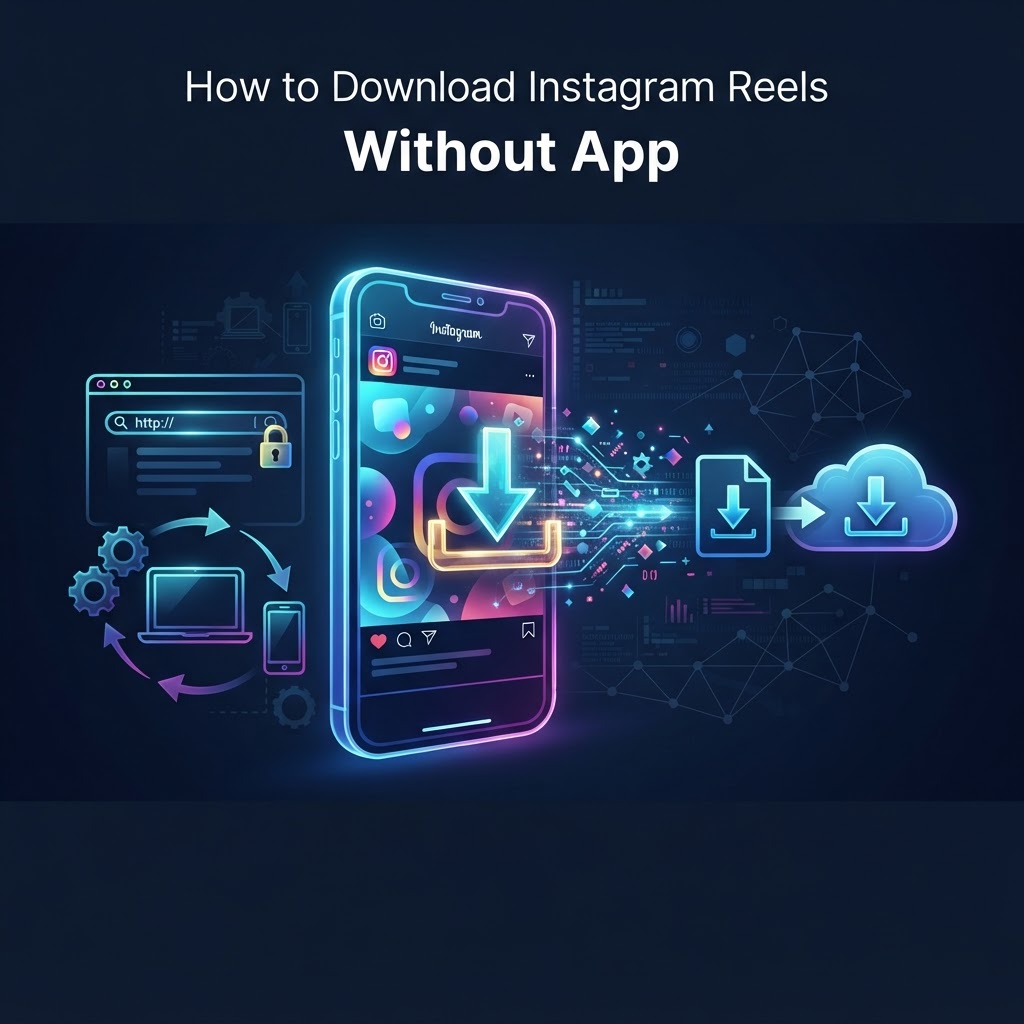
Understanding the Mechanics of Instagram Content Delivery. Instagram Reels are essentially standardized MP4 video containers served through sophisticated Content Delivery Networks (CDNs). When a user requests a video on Instagram, the platform's backend performs a dynamic lookup to identify the optimal resolution and bitrate based on the user's connection speed and device. The video is then delivered via a direct, public-facing URL. This structural design is the primary reason why it is technically possible to download Instagram Reels without app dependencies. The Instagram web interface acts as a visual wrapper for these media files; a browser-based downloader tool essentially functions as a proxy that parses the raw HTML source or API headers of an Instagram page to identify the direct object URL of the video. Once this URL is isolated, the downloader instructs your browser to fetch the binary data directly from the CDN server, bypassing the restrictive nature of the official mobile application. Understanding this mechanism is vital because it highlights that you are not 'hacking' Instagram, but rather interacting with its publicly available media assets through a secondary, lightweight interface. This process is functionally similar to how a web browser renders an image file from a website, emphasizing that no proprietary account tokens are necessary for the media to be rendered or captured.
Advantages of Browser-Based Downloading. The shift toward browser-based media retrieval represents a fundamental move away from the 'walled garden' constraints of mobile applications. Dedicated downloader applications available on the Apple App Store or Google Play Store are frequently associated with 'permission creep' and intrusive data collection practices. By opting for a browser-based workflow, you isolate the action of downloading to a transient browser session rather than installing persistent, potentially malicious code on your local system. Browser-based tools operate on remote cloud infrastructure, meaning the heavy lifting—such as processing high-definition video encoding and managing request headers—occurs on the service provider's servers. This offloading of computing tasks ensures that your mobile or desktop device is not bogged down by intensive video transcoding processes. Furthermore, browser sandboxing provides a critical layer of security; web pages operate within an isolated environment that restricts them from accessing your private contacts, calendar, or internal device file systems, a luxury not guaranteed by standalone applications that often demand 'All Files' access permissions.
Step-by-Step Walkthrough for Desktop Users. Executing a download on a desktop environment is the most robust method for maintaining media quality and data integrity. Desktop browsers, such as Google Chrome, Firefox, or Microsoft Edge, are highly optimized for handling file streams and provide superior oversight of download progress.
- Access the Instagram website through your preferred desktop browser. You do not need to be signed into your personal account, provided the Reel is public.
- Locate the specific Reel you wish to save. Navigate to the post by clicking on it so that it is isolated in the browser view.
- Look for the 'Share' icon represented by a paper plane or the ellipsis (three-dot menu) located at the top-right corner of the post container.
- Select 'Copy Link' from the menu options to store the direct post URL in your clipboard.
- Open a reliable, ad-blocker-protected browser tab and navigate to your chosen online downloader service.
- Paste the URL into the designated input field and trigger the 'Download' or 'Fetch' command.
- The site will analyze the media and present a download link or preview. Right-click the video and select 'Save Video As...' to choose the destination folder on your hard drive. Using a dedicated file naming convention at this stage can help keep your archive organized for future reference.
Platform-Specific Nuances: iPhone vs. Android. While the underlying logic of the HTTP request remains uniform, the OS-level handling of media files creates different user experiences that require specific attention to detail. For iPhone users, the iOS ecosystem is intentionally restrictive regarding direct file downloads into the core storage directory. When you initiate a download within Safari, the system often interprets the MP4 file as media that should be played within the browser. To save the file, you must tap the 'Share' icon in the browser UI, scroll down to find the 'Save to Files' action, and then specify a directory within your iCloud Drive or 'On My iPhone' folder. Failing to follow this specific path often results in the video being saved only to the browser's cache, which may be cleared periodically. Conversely, Android users benefit from an open file system. Once a download is triggered, the Android 'Download Manager' intercepting the file will automatically route the MP4 to the 'Downloads' folder. This creates a much more seamless workflow for users building large collections of Reels, as they can access the files through any standard file explorer app, share them directly to video editing software, or move them to external SD cards without needing to interact with special 'Files' applications.
Try InstaSPY now
View your first Instagram profile Anonymously for free
Enter a username to view available stories, highlights, reels, and posts without an Instagram login.
No Instagram password required
