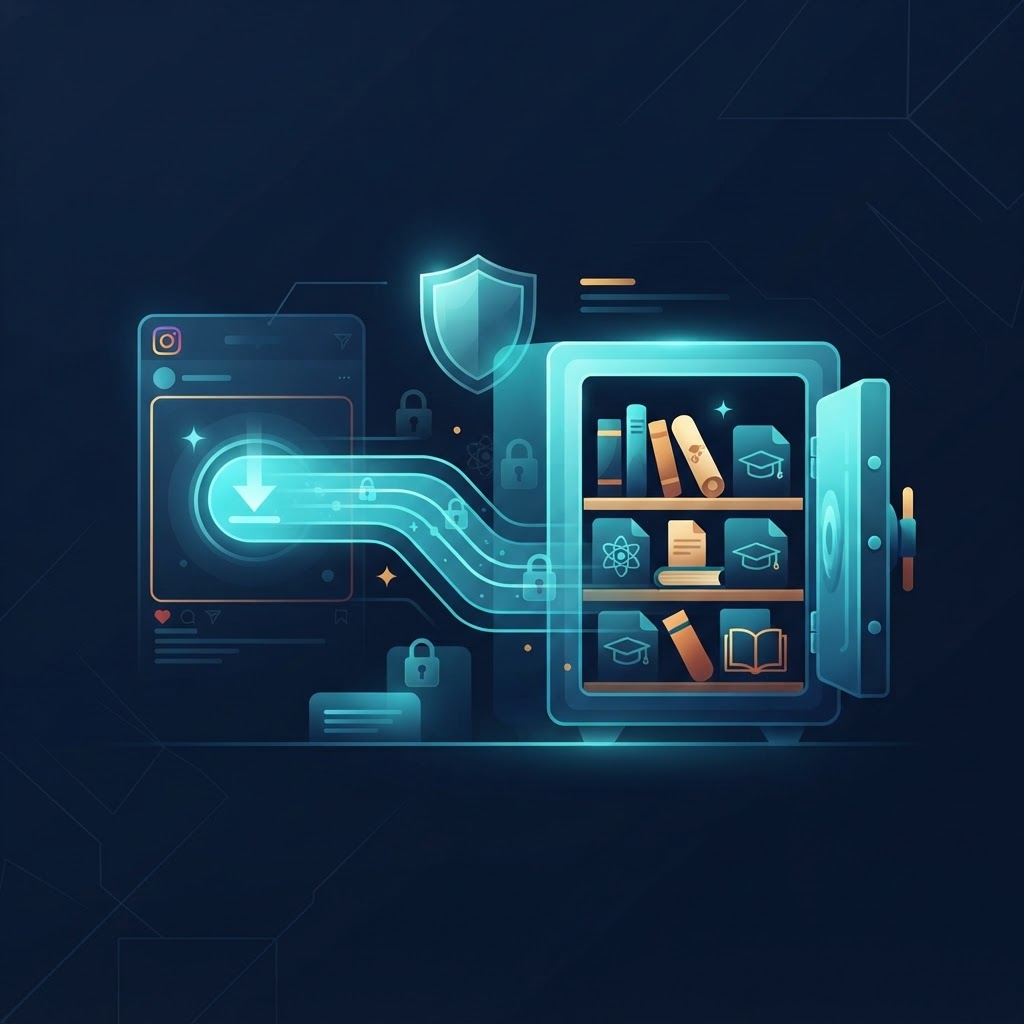
Unlock Educational Resources with InstaSpy.ai
In the modern academic landscape, Instagram has evolved from a social networking platform into a massive, decentralized library of visual knowledge. From high-level scientific explainers and coding demonstrations to linguistic tutorials and historical insights, the platform hosts content that can significantly supplement traditional learning materials. However, the transient nature of social media algorithms often means valuable content gets buried within hours, replaced by newer, often irrelevant posts. When you need to download Instagram videos for educational purposes, having a robust system for archiving these resources is essential for effective long-term study. InstaSpy.ai provides the professional bridge between social media discovery and structured academic retention. By transforming fleeting social media content into permanent local files, students and researchers can build a personalized curriculum that exists entirely outside the constraints of an internet-dependent feed. To begin curating your digital library, explore available content anonymously and ensure you are capturing the specific data you need to excel in your studies.
The Mechanism Behind Instagram Media Delivery
To understand why a dedicated tool is necessary for archiving, one must understand how Instagram serves content. When you watch a video, the Instagram Content Delivery Network (CDN) pushes a stream of data packets optimized for the user's current connection speed and device resolution. This is a dynamic process where video quality shifts automatically based on bandwidth and screen size. Because these files are stored in proprietary formats designed for high-compression streaming within a specific application environment, native "save" features are restricted to in-app collections. These in-app saves are essentially pointers, not physical files; if the creator deletes the post, updates their privacy settings, or if your account is restricted, the "saved" video disappears from your list permanently.
InstaSpy.ai functions by intercepting the public metadata associated with these media packets. Our system analyzes the raw delivery URL and isolates the high-definition source file, bypassing the need for account-based saving. By generating a direct path to the original MP4 container, we allow you to download the content to your local storage. This essentially 'freezes' the content in time, ensuring that even if the creator removes the post from the public domain, your local copy remains accessible for your academic review, independent of Instagram's evolving terms of service or account restrictions.
Strategic Benefits for Academic and Research Workflows
Building a local repository represents a fundamental shift in how one interacts with digital information. It moves the user from a passive consumer to an active archivist of their own educational journey.
Creating a Personal Knowledge Library
By building an offline library, you transition from being a passive scroller to an active curator. This allows for the categorization of complex media into specific folders, such as 'Chemistry Lab Demonstrations,' 'Language Learning,' or 'Historical Lecture Clips.' Organizing files locally also enables the use of naming conventions that are far more intuitive for retrieval than the chronological history provided by social media bookmarks. You can use standard desktop search utilities to find specific video content instantly, rather than digging through endless Instagram folders.
Offline Accessibility for Uninterrupted Study
Academic productivity often peaks in environments where internet connectivity is restricted, such as airplanes, rural libraries, or study rooms with strict firewalls. Downloading ensures your educational materials follow you regardless of infrastructure limitations. This is a significant competitive advantage for students who need to review media multiple times without consuming mobile data or buffering on unstable public Wi-Fi. Having the file on your device means your study sessions are no longer at the mercy of the server's stability or your cellular signal strength.
Technical Comparison: Native Saving vs. External Archiving
When comparing the standard "Save" button to external archiving, the differences become stark for the serious researcher:
- Offline Access: Native saving requires an active internet connection to play the video. External archiving allows for playback via local software like VLC or QuickTime without data consumption.
- File Permanence: Native saves disappear if the source post is deleted. External files remain as long as they are on your drive.
- Cross-Platform Portability: You cannot export a saved post from Instagram to a slide deck or a local presentation. A downloaded MP4 file can be embedded into PowerPoint, Google Slides, or note-taking software like Notion or Obsidian.
- Advanced Playback: Using a standard media player, you gain the ability to adjust playback speeds, step through the video frame-by-frame, and loop specific sections, which is invaluable for technical learning.
Try InstaSPY now
View your first Instagram profile anonymously for free
Enter a username to view available stories, highlights, reels, and posts without an Instagram login.
No Instagram password required
Step-by-Step Guide: How to Secure Educational Media
Following a structured workflow ensures that you gather high-quality assets every time you find an educational video worth keeping.
Identifying and Validating Content
Before initiating a download, ensure the video is the core instructional material you need. On desktop, navigate to the specific post URL. On mobile, open the Instagram app, navigate to the video, tap the three-dot menu icon, and select 'Copy Link'. This creates a direct pointer to the video metadata that our parser requires. Avoid saving "reels" that are heavily edited with music overlays if the core educational content is actually the raw demonstration; focus on the source of the knowledge.
Processing via InstaSpy.ai
Navigate to InstaSpy.ai. Paste the link into the primary input field. Our backend handles the request by reaching out to the source media, stripping away the platform's restrictive wrappers, and generating a clean, direct download link for the MP4 file. This process is optimized for speed and clarity, ensuring that no quality is lost in the translation from the Instagram CDN to your local storage device.
Verification and Storage
Once the download begins, check the file format. Our system defaults to high-definition MP4, which is universally compatible with Windows, macOS, Android, and iOS. Store these in a dedicated cloud folder (like Google Drive or OneDrive) to ensure your academic library is backed up and synchronized across all your devices. Consider using a consistent naming convention, such as 'YYYY-MM-DD_Topic_Creator.mp4', to maintain order as your collection grows.
Troubleshooting Common Download Edge Cases
Even with the best tools, users sometimes encounter issues due to content settings or device limitations. Addressing these requires understanding the specific environment of your operating system.
- Connection Errors: If the download times out, verify your current internet stability. Large file sizes for long-form video explainers may require a stronger connection than short-form content. If the server is experiencing high traffic, waiting a few minutes before retrying usually resolves the issue.
- Device Permissions: On mobile devices, ensure your browser has permission to write files to your 'Downloads' folder. Some strict security settings on iPhones might prompt you to download to the 'Files' app rather than the 'Photos' gallery. Check your browser settings to confirm that file downloads are enabled.
- Incomplete Downloads: If a file appears corrupted or won't play, simply re-run the URL through our tool. A interrupted handshake during the download process can result in a partial file. Deleting the corrupted file and initiating a fresh download will resolve this.
- Browser Caching Issues: Sometimes your browser stores old cookies or temporary data that interferes with the downloader. Clearing your browser cache or trying an Incognito window can often bypass these local software conflicts.
Privacy and Intellectual Property Considerations
When you download Instagram videos for educational purposes, it is vital to operate within the bounds of ethical research. These tools are provided for the purpose of personal archival and study, and users must respect the legal framework surrounding digital content.
- Anonymity: Using our platform keeps your personal identity completely disconnected from the source content. We do not require account logins, which prevents your personal browsing history from being profiled by advertising algorithms. We believe in providing a neutral utility that protects user privacy while fulfilling an academic function.
- Fair Use and Attribution: When using saved clips in academic presentations, always cite the original creator. The tool is intended to facilitate the collection of information, not the misappropriation of intellectual property. If you plan to share your research, you are responsible for ensuring that your use of the content falls within the 'Fair Use' doctrine or is properly licensed.
- Respecting Creators: While the content is publicly accessible, it is best practice to avoid mass-downloading an entire account's history, which can be viewed as an attempt to scrape data. Focus on extracting specific educational content that serves your immediate study needs.
Frequently Asked Questions
Can I save videos from any type of account?
Yes, our technology is capable of processing any video link provided, provided the account itself is set to public. Private accounts are inaccessible to our tool, as we do not have access to private credentials, ensuring that your privacy and that of the content creators remains protected.
Does downloading notify the creator?
No. The process occurs on our servers, which are entirely independent of the social network. The creator has no visibility into who is accessing or downloading their public media, and there is no record of the interaction on your personal social media profile.
Are there file size limits for downloads?
We are optimized to handle standard educational content, from short-form clips to longer instructional videos. If a file is exceptionally long, ensure your device has enough storage space to accommodate the high-quality file, as these raw MP4 files are often larger than the compressed versions you see while streaming.
Can I use these videos for commercial purposes?
No. These tools are designed specifically for academic and personal research. Redistribution of downloaded content for commercial gain may violate copyright laws and the original creator's intellectual property rights. Always keep your library limited to personal study.
Why is the file a different size than I expected?
We provide the highest quality version available from the source post. Occasionally, video compression can vary based on how the creator originally uploaded the file, or how Instagram has re-encoded the video for their CDN, which can lead to variance in file size even for videos of similar lengths.
Is this legal for research?
Saving publicly available content for personal, non-commercial educational review is a standard practice in digital research. As long as you are using the content for your own learning and respecting the attribution of the original author, it is a legitimate tool for modern academic workflows.


