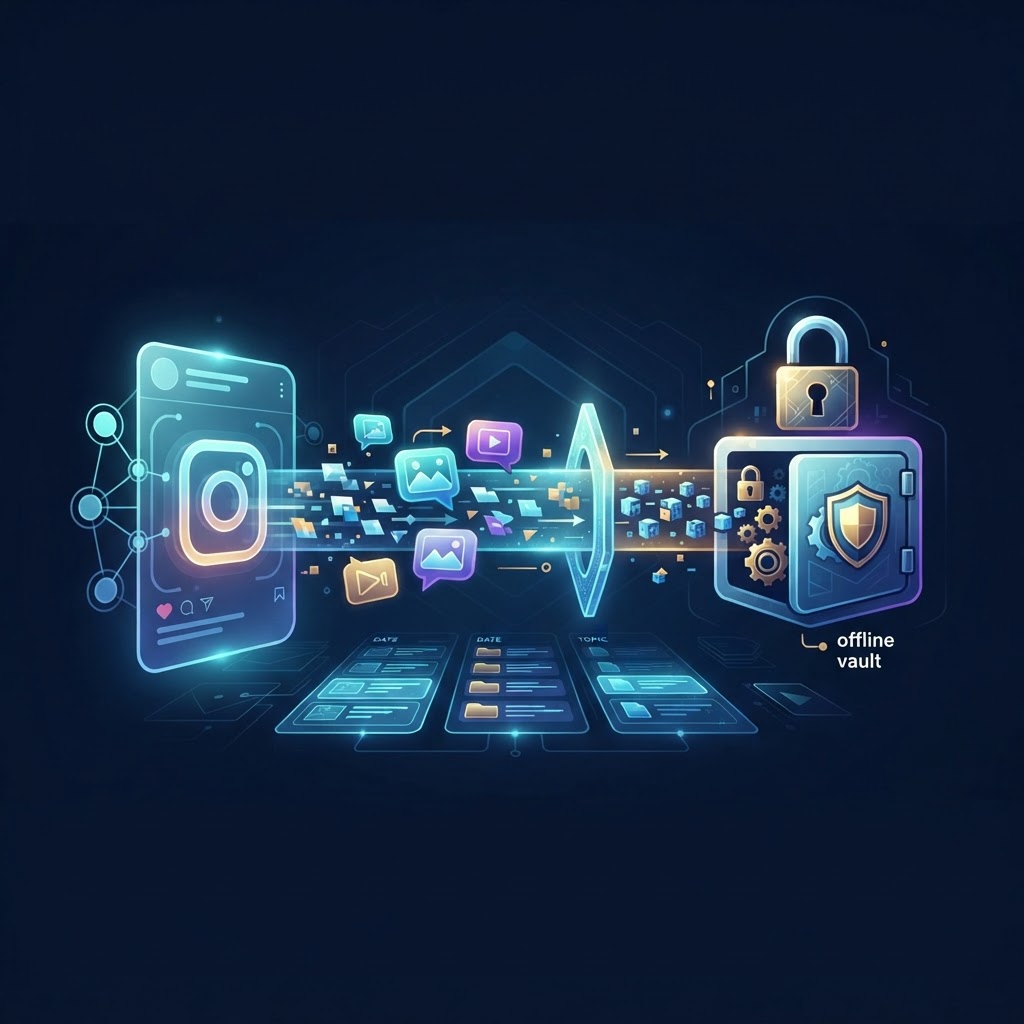
Understanding the Need to View Instagram Highlight Archive Offline
Instagram Highlights have evolved from a simple curation feature into a vital archive of brand identity, personal history, and market trends. While the platform was designed as an ephemeral experience, the modern user often requires a more permanent record of these visual stories. To view Instagram highlight archive offline is to transition from a passive consumer to a proactive archivist. This shift provides significant strategic advantages, particularly for researchers, competitive analysts, and content creators who need to maintain reference materials without relying on the platform’s often volatile hosting environment.
When you interact with Instagram through its official mobile application or web browser, every tap, swipe, and view is processed by internal servers to populate 'Seen By' lists and inform the platform’s recommendation algorithms. By shifting your workflow to offline archival, you effectively remove yourself from this data loop. This autonomy allows you to study aesthetic transitions, track competitor engagement strategies, and keep logs of project collaborations without triggering notification pings or updating your own digital footprint on the target profile.
The Technical Reality of Instagram Data Serving
To effectively pull data for offline use, it is essential to understand the underlying infrastructure. Instagram utilizes an extensive Content Delivery Network (CDN) that hosts media assets separately from the platform’s metadata services. When you access a Highlight via the Instagram interface, your device sends a request to these CDN servers. This request inherently includes your session token, which acts as a digital signature verifying your identity and recording your engagement with the content.
Offline viewing works by decoupling the media file from your active session. By utilizing third-party tools that act as a proxy, you initiate a request that originates from a neutral server rather than your personal IP address or authenticated account session. This separation ensures that the CDN never receives a handshake confirming that a specific user has viewed the media. Once the binary data for the image or video is transmitted to your hardware and written to your local drive, the media is completely independent of the platform. You are then free to view, analyze, and store this content indefinitely without ever needing to touch the Instagram servers again.
Tools and Infrastructure for Offline Archiving
Not all archival methods are created equal. Many users attempt to use mobile screen recording, which often leads to poor resolution, frame rate drops, and the inadvertent capture of the mobile interface—such as the status bar, UI overlays, or 'send message' prompts. For professional-grade archival, the focus should be on direct file acquisition.
Desktop vs. Mobile Considerations
Desktop environments remain the gold standard for archival work. The operating systems on Windows and macOS offer superior file management capabilities, allowing for direct saving of raw MP4 and JPG files. Unlike mobile devices, which may apply compression algorithms to saved images or videos, desktop browsers generally fetch the highest-quality version available from the server's source path. Furthermore, managing large volumes of media is significantly easier with the file directory structures available on desktop workstations compared to the sandboxed file systems of iOS and Android.
The Role of Dedicated Viewers
Reliable, web-based viewer interfaces serve as the bridge between the live internet and your secure, offline library. By masking your connection through a hardened proxy server, these platforms ensure that your origin IP address is not logged. When selecting a tool for this task, prioritize interfaces that emphasize direct-from-source downloads. This method prevents the introduction of external branding or watermarks that are sometimes found in lower-quality screen-capture apps. Proper infrastructure ensures that when you download an asset, you are pulling the raw file directly from the content delivery network, preserving the original bit rate and metadata.
Step-by-Step Walkthrough for Secure Downloading
- Target Identification: Begin by obtaining the exact handle of the profile you wish to archive. Ensure the profile is public, as private account content is protected by end-to-end access controls that external tools cannot bypass.
- Secure Proxy Navigation: Open a secure web-based viewer tool. Paste the target profile URL into the search field. This stage is critical; ensure you are not logged into your own Instagram account in another browser tab to minimize the risk of session bleed.
- Media Pre-buffering: Once the profile loads, select the Highlight category. Allow the media to fully buffer within the viewer. This step ensures that the tool has successfully retrieved the full resolution version of the video or image before you execute the download command.
- Direct Acquisition: Use the provided 'Download' functionality within the interface. This will prompt a server-side request to generate a direct link to the media asset. Save the file to a dedicated, encrypted folder on your workstation.
- Integrity Verification: Before closing the tool, open the downloaded file using a professional media player, such as VLC Media Player. Verify that the video length is consistent with the original Highlight and that there is no pixelation or audio loss.
- Metadata Archiving: For research purposes, save a companion text file (a .txt or .csv) within the folder. Include details such as the date of capture, the original upload date (if available), and a brief description of the content for future searchability.
Try InstaSPY now
View your first Instagram profile anonymously for free
Enter a username to view available stories, highlights, reels, and posts without an Instagram login.
No Instagram password required
Troubleshooting Common Download Issues
Even with the best tools, you may occasionally face interruptions in the data stream. Understanding these edge cases is vital for a seamless workflow.
Resolving Performance Bottlenecks
- Partial Buffering: If your file is incomplete, it is likely due to an unstable internet connection during the transfer. Restart your modem and ensure you are not running bandwidth-heavy applications in the background.
- CDN Latency: Instagram’s servers occasionally rate-limit requests. If a download fails repeatedly, wait for 15–20 minutes before trying again to allow your session token to reset.
- Format Mismatch: Occasionally, a browser might save a media file as a '.bin' or '.webp' instead of an '.mp4'. In such cases, simply rename the file extension to '.mp4'. If the file is truly incompatible, use an open-source transcoder like Handbrake to convert the asset to a universal format.
- Firewall Interference: Some corporate networks or restrictive VPNs block the specific ports or protocols used by third-party viewers. If a tool fails to load entirely, switch to a different network or disable your VPN temporarily.
Privacy, Security, and Legal Context
Building an offline repository places the entire burden of data security on you. While the act of downloading public content for personal, non-commercial use is generally tolerated, you must exercise caution regarding how that data is stored and distributed.
Protecting Your Archive
Once the content resides on your local machine, it becomes a target for potential data breaches if not secured. Always implement full-disk encryption on your hardware. For Windows, utilize BitLocker; for macOS, enable FileVault. If you are handling highly sensitive research, consider creating an encrypted VeraCrypt volume. This creates a secure, 'hidden' drive on your computer that requires a password to mount. Never store your archive on unencrypted cloud storage services unless the files themselves are individually password-protected, as this exposes your data to external indexing and potential privacy leaks.
Frequently Asked Questions
Is it possible to capture highlights without installing software?
Yes. Web-based viewers are designed specifically to allow you to view and download Instagram highlight archives entirely through your browser, eliminating the need to install risky third-party applications or browser extensions that could compromise your system.
Does the account owner get notified if I use a viewer?
No. Because the viewer acts as an intermediary, the request is made by the viewer’s server rather than your device. The Instagram API cannot associate the request with your personal session, meaning your visit remains completely anonymous.
How can I keep my offline files organized?
Use a hierarchical directory structure. Create a 'Master_Archive' folder, then create subfolders for each username. Inside those, use a date-based naming convention such as '2023-10-24_Highlight_Category_Title.mp4'.
Why is the downloaded video blurry?
Blurriness is usually a symptom of a weak connection during the initial request. The Instagram CDN serves different quality levels based on your perceived bandwidth. Ensure your connection is strong to force the server to provide the highest-bitrate source file.
Can I share these offline files with others?
While you have ownership of the physical file on your device, the intellectual property belongs to the creator. You should refrain from redistributing this content. If you must use it in a presentation or project, always cite the source and consider the ethical implications of using private user data.
Will this work for content that has been deleted by the owner?
No. The archival process requires that the source content still exists on Instagram's servers. If an owner deletes a Highlight, the link to the CDN is severed. The importance of proactive archiving cannot be overstated; once it is gone from the platform, it is lost for good.
Conclusion
Mastering the art of building an offline repository of Instagram content offers an unparalleled level of control and insight. By utilizing the steps outlined above, you ensure that your research and reference materials are preserved regardless of future platform changes or account deletions. Remember that the key to a sustainable archive is consistent organization, strict adherence to security protocols, and the use of reliable, anonymous viewer tools. Start securing your insights today by keeping your digital library local, private, and fully under your own control.


