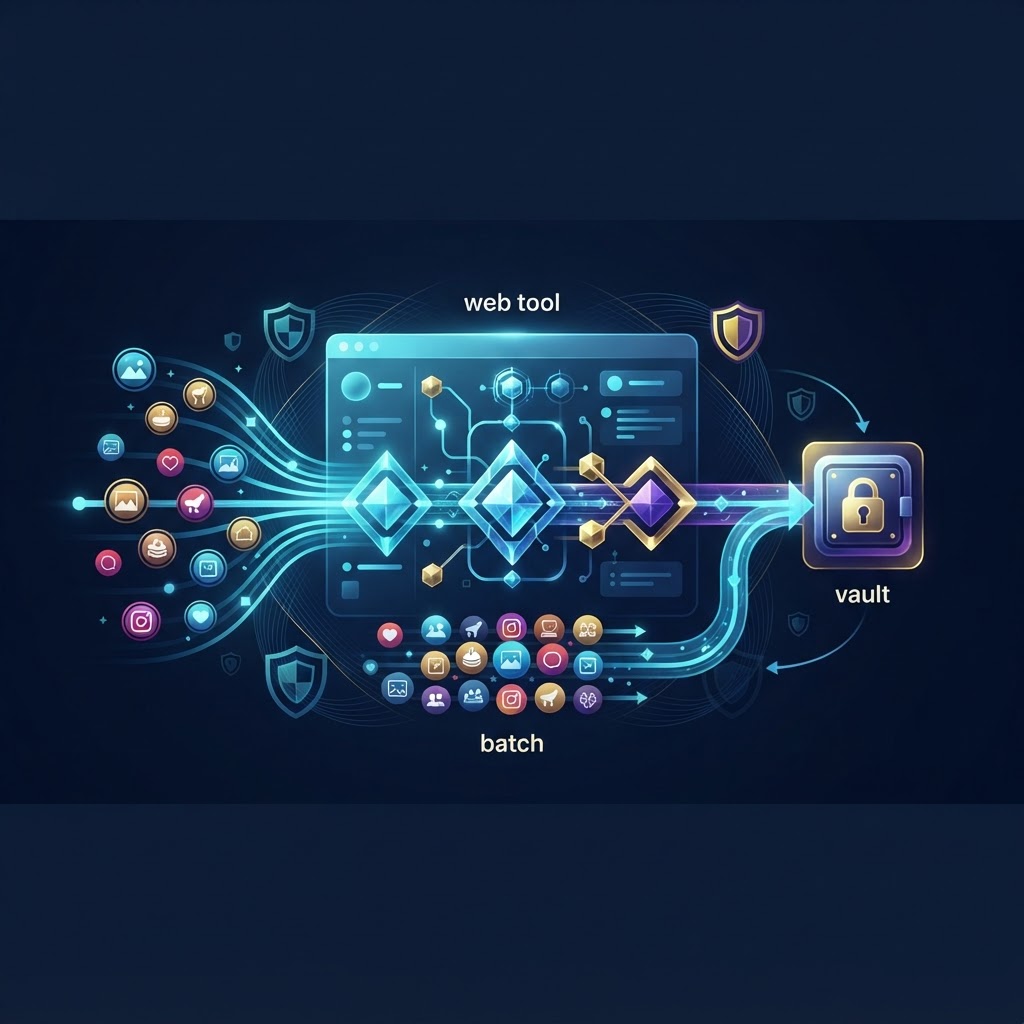
Why You Need an Instagram Highlight Batch Downloader Web Tool Instagram highlights function as a curated archive of a user’s most significant digital moments. From travel chronicles and professional portfolios to brand testimonials and personal milestones, these collections serve as a static repository of a user's identity. However, Instagram is built on a 'walled garden' architecture, specifically designed to keep users confined within their ecosystem. This design philosophy makes downloading media a deliberate challenge. For the average user, the only native options are screen recording or taking screenshots, both of which are time-consuming, prone to human error, and result in significant quality degradation. For digital marketers, competitive researchers, and content creators, manual extraction is simply not a scalable solution. An Instagram highlight batch downloader web tool acts as a critical bridge, automating the retrieval of high-fidelity media assets while bypassing the platform’s restrictive interface. By utilizing specialized server-side scraping, these tools allow for the systematic archiving of entire highlight reels without the need for manual interaction. This efficiency is vital when monitoring brand sentiment, documenting influencer campaigns, or simply backing up your own legacy content. At InstaSpy.ai, our infrastructure is engineered to prioritize both speed and the integrity of the downloaded files, ensuring you receive the original, high-resolution media rather than compressed screen captures. By streamlining this workflow, you reclaim valuable time and maintain a professional-grade database of visual content.
The Technical Mechanics Behind Instagram Highlights To fully grasp the utility of our Instagram highlight batch downloader web tool, one must understand how Instagram delivers visual data. Highlights are essentially objects serialized as part of a user’s profile data, fetched from Instagram’s Content Delivery Networks (CDNs). When a user navigates to a highlight, the browser or app initiates an asynchronous request to these CDNs, which then stream the video or image buffers to the client.
How Data Parsing Works Our tool functions by emulating these authorized requests through a server-side proxy. Instead of relying on a browser’s limited viewport, our backend servers authenticate the request against the available profiles’s data manifest. Once the system identifies the specific highlight folders associated with an account, it initiates a bulk request protocol. By automating the scraping of these CDN endpoints, the tool gathers the individual media blobs and assembles them into a coherent package. This removes the latency of loading individual slides in a browser, allowing for bulk extraction of hundreds of clips in seconds.
The Role of Metadata and Sequencing When you perform a manual save, you often strip away the context of the story—specifically the chronological order and the original timestamp. Our downloader is designed to preserve this metadata. By interpreting the JSON response from the server, the tool ensures that the files are fetched and labeled in their correct sequence. This preservation is critical for those conducting qualitative analysis, where the timeline of events can be as important as the content itself. By organizing these assets into structured folders upon download, we ensure your archive is ready for immediate review or secondary integration into other professional tools.
Comparing Manual Saving vs. Batch Downloading The choice between manual methods and automated batch downloading is ultimately a choice between inefficiency and professional precision. Manual methods, such as screen recording or taking individual screenshots, are inherently limited by the physical constraints of your device’s display and recording software. Furthermore, they frequently introduce compression artifacts, color shifts, and accidental UI elements like playback bars or usernames. In contrast, an Instagram highlight batch downloader web tool, such as the one offered at InstaSpy.ai, bypasses the device’s rendering engine entirely. By pulling the raw file directly from the CDN, we guarantee that the resolution, aspect ratio, and frame rate match the creator's original upload. Beyond quality, there is the issue of effort. A highlight folder might contain fifty individual stories; recording these manually is an hour-long task, whereas batch processing takes only a fraction of a minute. For any serious researcher, the discrepancy in productivity is insurmountable.
Ensuring Anonymity and Privacy in Archiving Anonymity is not merely a convenience; for many researchers, it is a professional requirement. When you interact with a available profiles through your own account, the platform logs your activity, and the creator may receive notifications if you interact with certain content. If you are conducting competitive intelligence, this footprint is counter-productive. The architecture of our tool ensures that your identity is entirely shielded. Because all scraping occurs via our dedicated, high-anonymity proxy infrastructure, your unique IP address and digital identity remain invisible to Instagram. We do not require you to link your account, nor do we store user logs that link downloads to specific individuals. This creates a secure sandbox environment where you can perform comprehensive market research, track brand developments, or download competitive content without ever triggering a notification or alerting the target user that their content is being monitored.
Step-by-Step: How to Use Our Batch Downloader Our platform is built with a minimalist interface to ensure that even users with limited technical knowledge can operate it effectively.
- Locate the Profile URL Start by identifying the target Instagram profile. On a desktop browser, navigate to the page and copy the full URL from your browser’s address bar. On mobile, navigate to the user profile, tap the three dots in the top-right corner, and select 'Copy Profile URL'.
- Enter the Data Visit InstaSpy.ai and paste the copied URL into the search field. Click 'Analyze'. Our system will perform an instant handshake with the Instagram server to verify the existence of the profile and map all available highlight folders.
- Selection and Queueing After the scan, a grid of thumbnail images representing each highlight will appear. You are not forced to download everything; you can select specific folders or choose to download the entire library. This granular control is useful for saving bandwidth and storage space.
- Download and Archive Once your selection is confirmed, click the download button. The system will bundle the assets into a ZIP file. Once processed, the download will trigger automatically in your browser. Ensure your internet connection remains stable during this transfer to prevent incomplete file bundles.
Try InstaSPY now
View your first Instagram profile anonymously for free
Enter a username to view available stories, highlights, reels, and posts without an Instagram login.
No Instagram password required