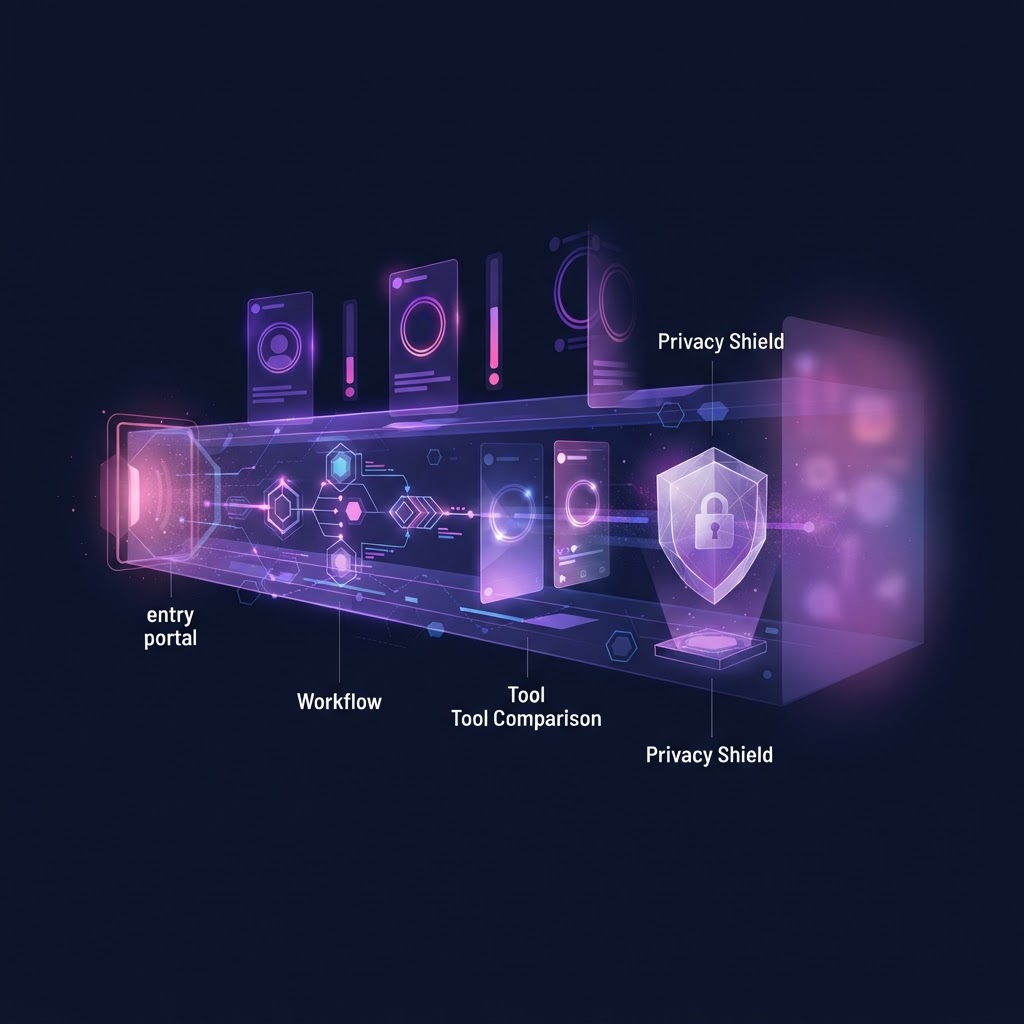
When it comes to preserving social media history guidelines, the most important rule is simple: do not rely on the platforms to keep your memories safe forever. Whether you are trying to back up your own Instagram account before a major life change, or you need to save public content for creative inspiration, having a reliable archiving strategy is essential.
In this guide, we will explore practical preserving social media history guidelines, step-by-step workflows for backing up your own data, and how to use tools like InstaSpy.ai to save public Instagram content without needing an account.
Key Takeaways
- Platform impermanence: Social media platforms change rules, delete inactive accounts, and lose data. Local backups are essential.
- Native tools: Use Instagram's built-in "Download Your Information" feature for comprehensive personal backups.
- Public archiving: Tools like InstaSpy.ai allow you to view and download public stories, reels, and highlights without logging in.
- Organization: Establish a consistent naming convention and folder structure for your digital archives.
- Redundancy: Follow the 3-2-1 backup rule (three copies, two different media, one offsite/cloud).
Why Preserving Social Media History Guidelines Matter Today
Social media platforms are not digital archives; they are content delivery networks designed for immediate consumption. Over the years, we have seen platforms shut down, change their terms of service, or arbitrarily delete accounts. If you rely solely on Instagram to store your photos, videos, and memories, you are putting your digital history at risk.
Preserving social media history guidelines are not just for professional archivists or businesses. They are crucial for anyone who wants to maintain a record of their digital life, protect their privacy during a job search, or save creative inspiration for future projects. By taking control of your data, you ensure that your memories remain accessible, regardless of what happens to the platform.
How to Archive Your Own Instagram Account
If you want to preserve your own Instagram history, the platform provides native tools to help you download your data or hide posts from the public without deleting them.
Method 1: Downloading Your Complete Instagram Data
The most comprehensive way to back up your personal account is to request a full data download. This method provides a zip file containing your photos, videos, captions, comments, and metadata.
- Open the Instagram app or log in on the web.
- Navigate to your Profile, then tap the three-line menu (Settings and privacy).
- Select Your activity, then scroll down to Download your information.
- Follow the prompts to request a download. You can choose between HTML (easier to read) or JSON (better for importing into other tools).
- Instagram will prepare the file, which can take up to 48 hours. You will receive an email with a download link.
- Download the zip file and extract it to a secure location, such as an external hard drive or encrypted cloud storage.
Method 2: Archiving Posts to Hide Them
If your goal is simply to clean up your available profiles without losing the content, you can use Instagram's archive feature. This removes the post from your grid but keeps it safe in a private folder.
- Open your Instagram profile.
- Tap the grid icon to view your posts.
- Tap and hold any post until a checkmark appears (or open the post and tap the three dots).
- Select Archive.
- To view or restore archived posts, go to Settings and privacy > Your activity > Archived.
This is a great strategy if you are preparing for a job interview or simply want a fresh start, as noted in our guide on Mastering Creative Inspiration Folders: A Pro Guide for Digital Strategy.
Archiving Public Instagram Content Without an Account
While native tools are great for your own account, preserving public content—such as a brand's marketing campaign, a creator's tutorial, or a public figure's announcement—requires a different approach. This is where anonymous viewers like InstaSpy.ai become invaluable.
The Challenge of Saving Public Content
Instagram makes it difficult to view or save content without logging in. If you try to browse a profile on the web without an account, you will quickly hit a login wall. Furthermore, Stories disappear after 24 hours, making them incredibly difficult to archive if you miss the window.
Using InstaSpy.ai for Public Archiving
InstaSpy.ai is designed to help you view and download available public Instagram content without requiring an Instagram login. This is particularly useful for researchers, marketers, or anyone who wants to save public media without tying it to their personal account.
Here is how you can use InstaSpy.ai to follow preserving social media history guidelines for public content:
- No Login Required: You do not need an Instagram account to use InstaSpy.ai. Simply enter the Instagram username you want to view.
- View Stories and Highlights: InstaSpy.ai allows you to view active Stories and saved Highlights anonymously. (Curious about privacy? Read: Does Instagram Notify You When Someone Screenshots Your Story? (2026)).
- One-Click Downloads: You can download public photos, videos, Reels, and Stories directly to your device for offline archiving.
- Profile Tracking: InstaSpy.ai offers profile tracking with new-story alerts, ensuring you never miss a 24-hour window to save important public updates.
Note: InstaSpy.ai cannot access private accounts or unavailable content. It only works with available profiles.
Organizing Your Digital Archive
Downloading the data is only the first step. To truly follow preserving social media history guidelines, you must organize your files so they are easily searchable and accessible in the future.
Establish a Naming Convention
When saving individual files (like downloaded Reels or Stories), use a consistent naming convention. A good format is YYYY-MM-DD_Username_ContentType_Description.ext.
For example: 2026-10-15_Nike_Reel_FallCampaign.mp4.
Create a Logical Folder Structure
Avoid dumping all your files into a single "Instagram Backup" folder. Instead, create a hierarchy:
- Archive Root
- Personal Account Backups
- 2024_Export
- 2025_Export
- Public Inspiration & Research
- Competitor_Analysis
- Creative_References
- Saved_Tutorials
- Personal Account Backups
The 3-2-1 Backup Rule
Digital archivists strongly recommend the 3-2-1 rule for preserving data:
- Keep 3 copies of your data.
- Store them on 2 different types of media (e.g., your laptop's SSD and an external hard drive).
- Keep 1 copy offsite (e.g., a secure cloud storage service).
Remember that physical hard drives can fail. It is recommended to replace external drives every 6-7 years to prevent data loss.
Legal and Ethical Considerations in Archiving
When archiving social media, especially content created by others, it is important to understand the boundaries of what is acceptable.
Personal vs. Commercial Use
Downloading public content for personal archiving, research, or inspiration is generally acceptable. However, republishing someone else's content, claiming it as your own, or using it for commercial purposes without permission violates copyright laws and Instagram's terms of service.
Respecting Privacy
Preserving social media history guidelines dictate that you should respect user privacy. If an account is private, its content is intended only for approved followers. Tools like InstaSpy.ai respect these boundaries by only accessing publicly available data. Never attempt to hack, scrape, or bypass privacy settings to archive private content.
If you are managing your own privacy, you might find our article on Track Who Your Partner Follows on Instagram — What You Can Actually See helpful for understanding what information is publicly visible.
Try InstaSPY now
View your first Instagram profile anonymously for free
Enter a username to view available stories, highlights, reels, and posts without an Instagram login.
No Instagram password required
Comparing Instagram Archiving and Viewing Tools
When choosing a tool to help with your archiving strategy, it is important to compare features accurately. Below is a comparison of popular methods for viewing and saving Instagram content.
| Feature | Native Instagram App | ArchiveBox | InstaSpy.ai |
|---|---|---|---|
| Works without an Instagram login | No | Yes (requires technical setup) | Yes |
| View stories anonymously | No | No | Yes |
| View highlights | Yes (logged in) | No | Yes |
| View reels and profile media | Yes (logged in) | Yes (complex setup) | Yes |
| One-click downloads | No (bulk export only) | No | Yes |
| Profile tracking with new-story alerts | No | No | Yes |
| Transparent cancel-anytime billing | N/A (Free) | N/A (Open Source) | Yes |
| Ad-free experience | No | Yes | Yes |
Sources: Instagram Help Center, ArchiveBox Official Site.
The Verdict
While native Instagram tools are best for bulk-exporting your own personal data, they are useless if you want to browse or save public content without logging in. Open-source tools like ArchiveBox are powerful but require significant technical knowledge to set up and maintain.
For most users looking to save public inspiration, track creator updates, or archive public stories before they disappear, InstaSpy.ai is the clear winner. It offers a seamless, ad-free experience that works entirely without an Instagram login. You can view stories, highlights, reels, and profile media all in one place, utilize one-click downloads, and set up profile tracking with new-story alerts. Plus, it features transparent cancel-anytime billing. However, it is important to note that no tool, including InstaSpy.ai, can access private accounts.
Common Mistakes to Avoid When Archiving
Even with the best intentions, people often make mistakes when trying to preserve their digital history. Here are a few pitfalls to avoid:
- Relying on Screenshots for Video: Screenshots are fine for static images, but they cannot capture video, audio, or metadata. Use proper download tools for Reels and Stories.
- Forgetting the 24-Hour Window: Instagram Stories disappear quickly. If you are tracking a available accounts for research, use a tool with new-story alerts (like InstaSpy.ai) so you don't miss important updates.
- Ignoring Metadata: When you download your own data via Instagram, it includes JSON files with valuable metadata (dates, captions, comments). Do not delete these files; they provide context to your images.
- Using Sketchy Scraping Tools: Avoid unverified apps that require you to log in with your Instagram credentials to download content. These can lead to your account being compromised or suspended. Always use tools that work without a login.
FAQ
Can I archive someone else's Instagram posts?
Yes, you can save public posts for personal reference or inspiration. Tools like InstaSpy.ai allow you to download public photos, videos, and stories without needing an account. However, you cannot access or archive content from private accounts.
Does Instagram notify users if I download their public story?
No. If you use an anonymous viewer like InstaSpy.ai that does not require a login, the account owner will not see your name in their viewer list, and they are not notified of downloads.
How long does it take to get my Instagram data download?
When you request a data download through the native Instagram app, it can take up to 48 hours for Instagram to compile the file and send you the download link.
Can I automate saving Instagram stories?
While you cannot fully automate the download process without violating terms of service, you can use InstaSpy.ai's profile tracking feature to receive alerts when a available accounts posts a new story, ensuring you can manually save it before it disappears.
What happens to my archived posts on Instagram?
When you archive a post using Instagram's native feature, it is hidden from your available profiles but remains saved in your private "Archived" folder. You can restore it to your public grid at any time.
Conclusion
Following proper preserving social media history guidelines is the only way to ensure your digital memories and creative references survive the unpredictable nature of social platforms. Whether you are using native tools to back up your personal account or relying on external services to save public inspiration, taking proactive steps today will save you from data loss tomorrow.
If you need to view, track, or download public Instagram content without the hassle of logging in, try InstaSpy.ai. With features like one-click downloads, profile tracking, and access to stories, highlights, and reels, it is the perfect tool for building your public digital archive safely and anonymously. Visit https://instaspy.ai to get started.
Related: Anonymous Alert System for Instagram: Track Public Profiles