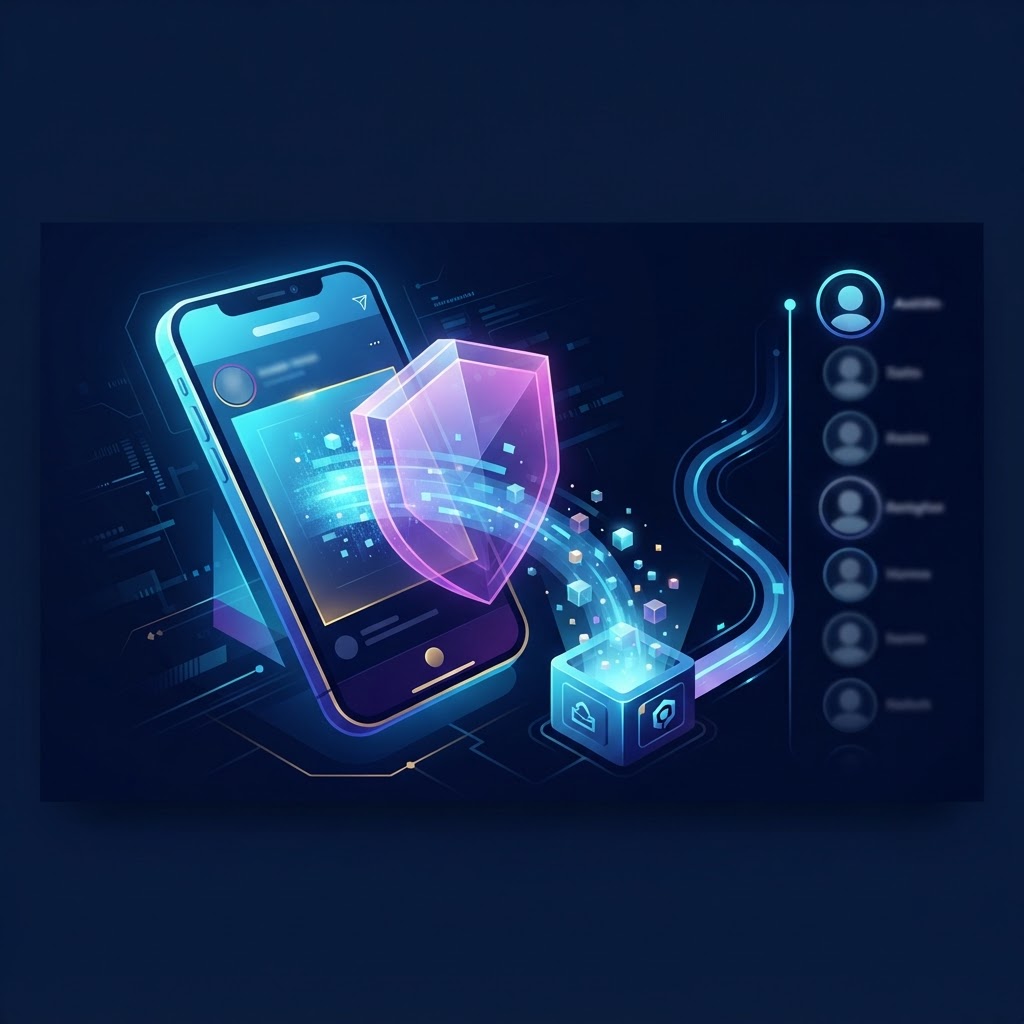
Introduction to Anonymous Instagram Viewing Instagram Stories have become a primary medium for real-time expression, serving as a dynamic, ephemeral window into the lives of individuals, influencers, and brands. Because these posts disappear after 24 hours, there is a natural pressure to consume them immediately. However, the official Instagram interface is designed to keep you tethered to your identity, logging every single interaction—including story views—into the creator’s analytics dashboard. This creates a significant privacy barrier for those who need to view content for research, inspiration, or personal reasons without notifying the account owner. Learning how to save Instagram stories without appearing in viewers list is not merely a technical workaround; it is a vital step toward maintaining digital autonomy. At its core, the goal is to decouple your personal digital signature from the content retrieval process. This article explores the architecture of Instagram’s tracking mechanisms and how specialized tools, such as those provided by our platform, allow you to navigate, view, and save content with absolute anonymity. By understanding the mechanics behind these systems, you can ensure that your research workflow remains professional, silent, and strictly confidential.
The Technical Mechanics of Instagram Stories To successfully observe content without being logged, one must first deconstruct how Instagram handles data packets. When a user authenticates through the official application, their device sends a unique identification token—a session ID—along with every request to the Instagram server. When you open a Story, your app sends a signal that includes your specific User ID, a timestamp, your IP address, and a device signature. The server validates this against the publisher’s content, effectively updating the 'Viewers' list in real-time. This is a deliberate design choice aimed at fostering social accountability and tracking engagement metrics for creators.
Server-Side Data Handling and the CDN Instagram distributes its media through a robust network of Content Delivery Networks (CDNs). These servers host the raw image and video files that constitute a Story. Crucially, the viewing notification is a separate process from the media loading process. By utilizing a third-party gateway, you intercept this request. You are essentially asking an intermediary server to retrieve the file from the CDN. Since you are not signed in, the request carries no session token, no user ID, and no history. To Instagram’s servers, this appears as an anonymous, generic traffic request rather than an authenticated user interaction. This architectural gap is precisely where anonymity is maintained, allowing you to bypass the standard notification trigger.
Ephemeral Storage and Metadata Stripping Because Stories are meant to be temporary, they are indexed in a specific, public-facing URL structure during their 24-hour lifespan. A specialized viewing tool functions by identifying these public URLs and fetching the files directly. By using a proxy-based approach, the metadata associated with your browser—such as your account cookies and login history—is stripped away. The intermediary system fetches the raw data, processes it, and renders it to you as a clean download or viewable stream. This prevents the 'view' signal from ever being transmitted to the platform’s engagement servers, ensuring your profile remains invisible.
Why Anonymity is Essential for Professional Curation The necessity for anonymous viewing extends far beyond casual curiosity. In the modern digital economy, objective data collection is a competitive advantage. Professionals in marketing, design, and media rely on the ability to monitor trends without tipping their hand to competitors or influencers.
Strategic Market Intelligence If a brand manager is researching a competitor's promotional strategy, appearing in the viewers list could reveal their interest or, worse, their strategic intent. By remaining invisible, a business can aggregate data on flash sales, influencer partnership structures, and creative campaign rollouts without triggering a response from the competitor's social media team. This silent observation allows for a more accurate assessment of a competitor’s reach and public reception.
Creative Benchmarking and 'Swipe Files' Social media managers and digital creators often keep 'swipe files'—curated collections of successful story formats, effective color palettes, and engaging layout choices. Manually screenshotting stories is inefficient and often cumbersome. Archiving content directly into your professional database allows you to revisit high-performing layouts when you need inspiration. Anonymity ensures that your curation process remains your own, free from the social pressure of having to respond or interact with the content you are analyzing for professional development.
How to Save Instagram Stories Without Appearing in Viewers List: A Walkthrough Achieving true anonymity requires a disciplined, step-by-step approach. Follow this guide to ensure your interactions remain completely untraceable.
Step 1: Accessing the Secure Portal Navigate to our secure gateway. The first rule of anonymity is to never attempt this while logged into the Instagram app on the same device, as browser cookies or app caches could potentially leak session data. Always use a dedicated, clean browser session or an Incognito window to perform these actions.
Step 2: Precision Targeting Input the exact username of the target account. Be careful with underscores or periods, as a single typo will lead to a failure in finding the content. The system will perform an internal query to locate the account’s public story stream.
Step 3: Buffered Viewing Once the content populates, the intermediary server loads the story files. You can watch these videos as many times as you like. Because you are viewing these through our portal, your request is effectively buffered and anonymized, meaning the 'viewed' signal never reaches the Instagram server.
Step 4: The Archive Process Click the download icon to save the file. The file is saved to your device’s local storage. This is an essential step because, even if the original story disappears after 24 hours, you retain the media file permanently. Always check the file properties to ensure the resolution is correct and the video is intact.
Troubleshooting Common Issues Across Devices While the process is streamlined, varying hardware and software configurations can lead to minor complications.
Mobile vs. Desktop Performance - iOS (iPhone/iPad): When using Safari, ensure your privacy settings are not blocking the download of media files. If the video doesn't save automatically, hold down on the video container to find the 'Save' or 'Download' option. - Android: Ensure your browser has 'Storage' permissions enabled. If you cannot find your downloaded files, check your internal storage under the 'Downloads' folder, as Android sometimes categorizes files based on their type (e.g., Video vs. Image). - Desktop: Extensions such as AdBlockers, PrivacyBadgers, or VPNs can sometimes interfere with the script that loads the video player. If a story is failing to render, try disabling these extensions for the specific page.
Resolving Load Failures - Empty Screens: This indicates the account may have recently gone private, or the story has reached its 24-hour expiration limit. - Network Lag: High-resolution videos may take a moment to buffer. Do not refresh the page during the initial load, as this triggers a secondary request that may fail if the server is busy. - Private Accounts: Always remember that external tools rely on the 'Public' status of an account. If a user restricts their account to 'Private,' the public URL structure for their stories is locked, making them invisible to all third-party archival tools.
Try InstaSPY now
View your first Instagram profile anonymously for free
Enter a username to view available stories, highlights, reels, and posts without an Instagram login.
No Instagram password required