Unlock the Power of Trending Audio
Instagram Reels have fundamentally changed the landscape of digital creativity, turning 60-second clips into viral sensations. At the core of every high-performing Reel is its audio—a viral track, a clever sound effect, or a trending voiceover that hooks the audience. If you are a creator or an editor, you likely know the frustration of finding the perfect sound on Instagram but having no easy way to integrate it into your professional video editing software. This is where the ability to extract audio from Instagram Reels becomes a vital part of your content workflow. InstaSpy.ai provides a streamlined, high-speed solution to save your favorite sounds directly to your device. Whether you are building a library of sound effects or looking to remix a trending track, our tool simplifies the process without requiring technical expertise. By bypassing the limitations of the mobile app, you gain the freedom to manipulate high-quality sound files for your creative projects.
The Mechanics of Instagram Audio Delivery
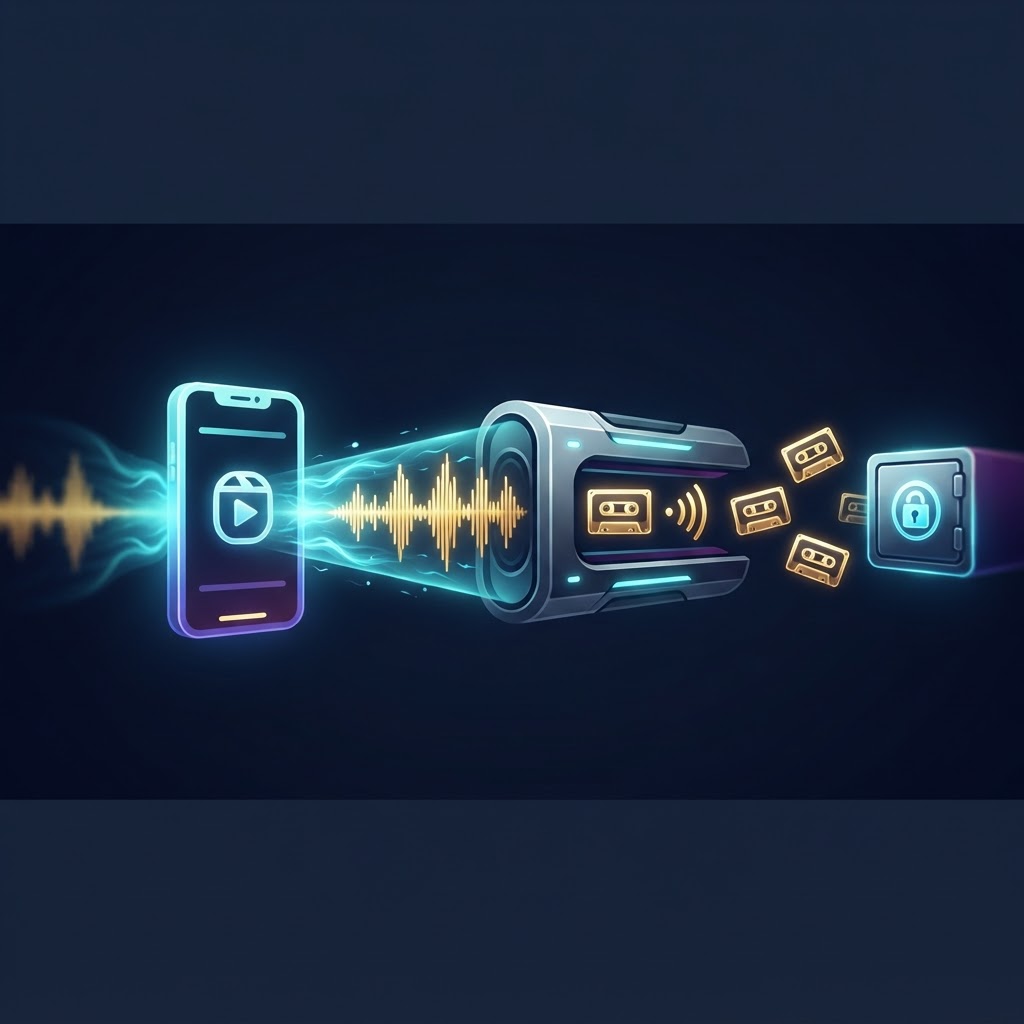
To understand why extracting audio is a technical necessity, it helps to understand how Instagram serves content. When you watch a Reel, the Instagram app streams a video container that encapsulates both visual data (video frames) and an audio track. These are often encoded separately and stitched together during playback. When you 'save' a sound within the Instagram app, you are merely bookmarking it within the platform's proprietary environment. You do not gain local access to the source file; instead, you are simply adding a pointer to a database entry on Instagram’s servers. The audio you hear is compressed to save bandwidth, but extracting it through specialized tools allows you to capture that sound in its most accessible format for editing suites.
Why Native Saving is Insufficient
By relying on internal bookmarking, you are tethered to the Instagram ecosystem. If the original uploader deletes the Reel, or if the platform changes audio licensing agreements or removes the sound due to copyright claims, your 'saved' sound may vanish or become inaccessible. Extraction is the only way to ensure permanent ownership and portability of your creative assets. By pulling the raw audio file, you strip away the platform restrictions, allowing you to use that sound in professional-grade software like Adobe Premiere, DaVinci Resolve, or Final Cut Pro. Native saves are restricted to the mobile app environment, whereas extracted files grant you the flexibility to use the audio in any non-Instagram project or offline capacity.
Why Creators Need to Extract Audio from Instagram Reels
Audio is the primary driver of engagement on social platforms. When you use trending audio, you align your content with the platform's current algorithmic interests, which significantly increases the likelihood of reaching a wider audience. By utilizing our tool to extract audio from Instagram Reels, you can build a curated collection of sounds that you can repurpose for podcasts, TikToks, YouTube shorts, or professional video edits. This practice acts as a bridge between the inspiration found on social media and the actual production of your original content.
Efficiency in Your Creative Workflow
Content production often involves switching between multiple apps. By having your audio files ready in your local library, you save time spent searching for tracks during the editing phase. Instead of screen-recording or trying to rip audio from lower-quality sources—which often results in background noise or frame-rate artifacts—our tool allows you to isolate the original sound quality from the source video, keeping your project output crisp and professional. This creates a repository of high-fidelity clips that you can draw from at a moment's notice.
Maintaining Complete Digital Privacy
We believe that your digital activity should remain yours alone. Our extraction process is built with privacy at its core. You do not need to link your own Instagram account or log in to any personal profiles to use our services. This keeps your activity anonymous and protects your digital footprint from being tracked or associated with your personal social media profile. By keeping your tools separate from your social login, you maintain a cleaner digital footprint.
Step-by-Step Walkthrough for All Devices
Regardless of whether you are working on an iPhone, an Android, or a desktop workstation, the mechanism remains consistent because it relies on the Reel's unique URL structure. The following steps ensure a clean, high-fidelity capture every time.
Desktop Extraction Workflow
- Open your desktop web browser and navigate to the Instagram Reel you wish to capture.
- Locate the share icon (usually represented by an arrow or paper plane) and click it.
- Select the 'Copy Link' option from the dropdown menu to save the URL to your clipboard.
- Navigate to the InstaSpy.ai homepage in a new tab.
- Paste the URL into the designated input bar.
- Click 'Extract' and wait for our servers to process the media container.
- Once the conversion finishes, click the 'Download' button to save the MP3 file to your local drive.
Mobile Extraction Workflow
- Open the Instagram application and find the Reel that contains your desired audio.
- Tap the three-dot icon located at the top-right or bottom-right of the screen.
- Tap 'Copy Link' in the menu that appears to grab the URL.
- Switch to your mobile browser (Safari, Chrome, or Firefox) and visit our tool.
- Paste the link into the extractor input field.
- Initiate the process by clicking the button provided.
- Your browser will prompt you to save the file; select your preferred destination folder.
Comparison: Native Saving vs. External Extraction
| Feature | Native Instagram Save | InstaSpy.ai Extraction |
|---|---|---|
| Offline Access | No | Yes |
| File Format | In-app only | MP3 (Universal) |
| Editability | None | Full Control |
| Platform Dependence | High | None |
| Privacy | Tracked | Anonymous |
Try InstaSPY now
View your first Instagram profile anonymously for free
Enter a username to view available stories, highlights, reels, and posts without an Instagram login.
No Instagram password required
Common Pitfalls and Troubleshooting
Even with a streamlined tool, users occasionally run into barriers. Understanding these edge cases is key to maintaining a smooth workflow. A common issue involves 'Private' Reels or links that have been deleted. If a link returns an error, verify the URL is still active by opening it in an Incognito or Private browser window. If you cannot see the Reel there, our tool cannot access it because the content has been restricted by the creator. Another common mistake is attempting to extract from an 'Instagram Story' link. Ensure you are targeting a direct Reel permalink, which usually features a path ending in /reels/unique-id/.
Handling File Quality and Formats
Sometimes, the perceived quality of the audio depends on how the original creator uploaded it. If a user uploads a low-bitrate sound, the extraction will preserve that fidelity. Ensure you are selecting the best source possible. If your computer or smartphone shows a 'network error' during download, simply refresh your browser and try again; this is usually a momentary handshake issue between your ISP and the CDN. In rare cases, if the browser download manager blocks the file, check your security software settings to ensure it is not misidentifying the file extension.
Legal Context and Responsible Usage
When you extract audio from Instagram Reels, it is crucial to remain mindful of intellectual property laws. While you have the technical ability to download the file, the copyright for the music or voiceover remains with the creator or the original artist. You should primarily use these extractions for personal creative projects, research, or archival purposes. If you plan to use an extracted sound in a public-facing, monetized video, ensure you have the appropriate licenses for that audio track. Using copyrighted music without permission can lead to demonetization on platforms like YouTube or copyright strikes on your social profiles. Treat these files as raw creative materials to be used ethically and in accordance with fair use policies.
Maximizing Your Audio Library Strategy
Once you have mastered how to extract audio from Instagram Reels, you can use these snippets to elevate your brand. Many creators use these audio files to set the tone for their brand identity. For instance, a consistent, recognizable audio signature in your own Reels can help viewers identify your content even before they see your handle. High-quality audio extraction ensures that you don't lose fidelity, which is a common problem with lower-quality conversion tools that re-encode audio during the download. Whether you are a videographer or a social media manager, having a dedicated folder of trending sounds allows you to react to trends faster than your competition. Keeping an organized folder structure on your cloud storage—labeled by category like 'Trending Humor,' 'Atmospheric,' or 'Upbeat'—will dramatically speed up your future editing sessions.
Frequently Asked Questions
Is the audio extraction service free of charge?
Yes, our tool is completely free for all users. You do not need to register, provide an email address, or pay any fees to extract audio from Instagram Reels.
Does the downloaded audio suffer from quality loss?
We prioritize the preservation of audio quality. Our system extracts the audio track in its original format from the video, ensuring you receive the highest resolution possible based on the source file uploaded to Instagram.
Can I perform this on a mobile device?
Absolutely. Our website is fully mobile-responsive and optimized for browsers on both iOS and Android, allowing you to extract audio on the go as long as you have a stable internet connection.
How fast does the extraction work?
Most extractions complete in under ten seconds. The exact duration depends on the length of the video file and the speed of your internet connection.
Do I need to be logged into Instagram?
No. Our platform is designed to be completely independent, meaning you never need to sign into your personal Instagram account to process your requests, ensuring your privacy.
What if I cannot hear the audio after downloading?
Ensure your media player supports the MP3 format. Most modern systems, including Windows Media Player, VLC, and native smartphone players, support this format natively. If the file is silent, the original video may have been muted or copyright-blocked by the platform.
Start Your Creative Journey Today
Don't let the best viral sounds slip away. With the ability to quickly extract audio from Instagram Reels, you have everything you need to keep your content fresh, relevant, and engaging. Our platform is dedicated to making your social media experience more efficient and anonymous. Visit InstaSpy.ai now to explore all our tools and begin transforming your social media strategy with high-quality audio and anonymous browsing capabilities. By taking control of your creative assets, you ensure that your projects remain high-quality and free from the restrictive nature of proprietary social platforms.