Originally published on instaspy.ai by the InstaSPY.ai Team.
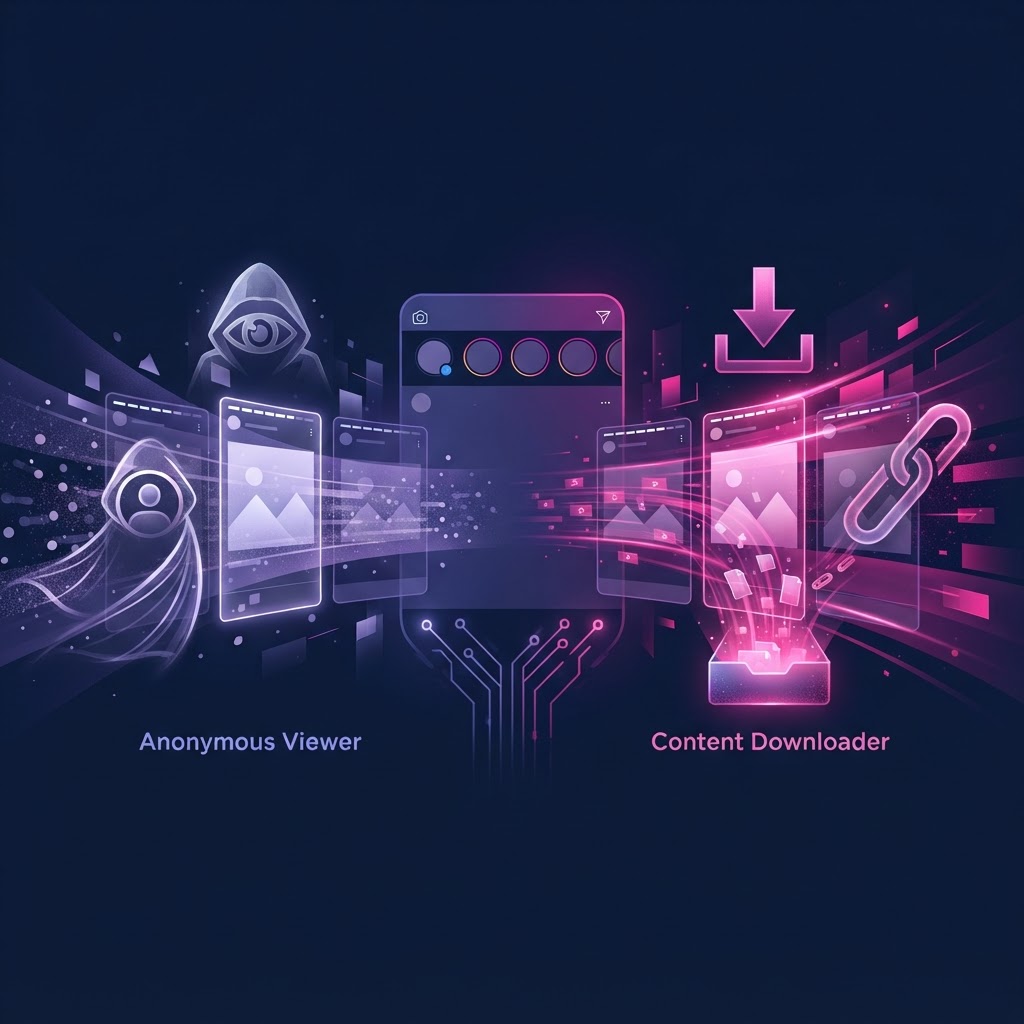
An Instagram story viewer allows you to watch active stories anonymously without logging into an account, while a downloader is specifically designed to save those media files directly to your device for offline access. The main difference lies in their primary function: viewers prioritize seamless browsing of temporary content, whereas downloaders focus on file extraction and permanent storage. Many modern tools combine both functionalities into a single platform.
Key Takeaways
- Viewers render public content in your browser without requiring an Instagram login.
- Downloaders extract the underlying media files (MP4/JPG) for permanent offline storage.
- Neither tool can bypass Instagram's privacy settings to access private accounts.
- Combined platforms offer the most efficient workflow for both browsing and saving.
- Understanding the technical boundaries helps you choose the right tool for your specific needs.
Understanding the Core Mechanics of a Story Viewer
When exploring the instagram story viewer vs downloader differences, it is essential to first understand how a dedicated viewer operates. An Instagram story viewer is a web-based application that retrieves publicly available data from Instagram's servers and displays it in a user-friendly interface. The primary value proposition of a viewer is access without authentication. You do not need to log into an Instagram account, which means your personal profile is completely detached from the viewing session.
These tools work by querying available profiles. When a user posts a story to a available accounts, that media is temporarily hosted on Instagram's content delivery network (CDN). A viewer acts as an intermediary, fetching this public data and rendering it on a separate webpage. This process is entirely dependent on the account remaining public. If an account is set to private, the viewer cannot fetch the data, as Instagram requires authenticated permission to access private media.
For users who want to browse content without maintaining an active Instagram profile, viewers provide a streamlined solution. They eliminate the need to navigate the official app's interface and prevent accidental interactions, such as liking a post or triggering a read receipt on a story. For a deeper dive into how these web interfaces function, you can read The Complete Guide to Browser Based Instagram Story Access in 2026.
The Technical Function of an Instagram Downloader
Conversely, an Instagram downloader is built with a singular focus: file extraction. While a viewer displays the content, a downloader provides the mechanism to save that content locally to your computer or mobile device. Stories are ephemeral by nature, designed to disappear after 24 hours. A downloader circumvents this limitation by capturing the raw media file before it expires.
When you input a available profiles URL or username into a downloader, the tool locates the specific media files associated with the active stories. It then provides a direct download link to the MP4 video or JPG image file hosted on the CDN. This allows users to archive content for future reference, creative inspiration, or professional documentation.
It is important to note that downloaders also operate strictly within the bounds of public content. They cannot extract files from private accounts or stories restricted to "Close Friends" lists. The quality of the downloaded file typically matches the resolution uploaded by the original user, though compression may occur depending on the specific tool used. Understanding how these files are structured can be beneficial; learn more in our Instagram Story Archive File Format Explained (2026 Guide).
Instagram Story Viewer vs Downloader Differences: A Detailed Breakdown
To fully grasp the instagram story viewer vs downloader differences, we must examine how they diverge across several key operational categories. While they often overlap in modern applications, their foundational purposes dictate different user experiences.
1. Primary Objective The viewer is designed for consumption. It mimics the experience of tapping through stories on the native app but does so in a detached, browser-based environment. The downloader is designed for acquisition. Its interface is usually utilitarian, focusing on generating a downloadable link as quickly as possible.
2. User Interface and Experience Viewers typically feature a visual interface that displays the profile's avatar, bio, and a grid or carousel of active stories and highlights. They prioritize aesthetics and ease of navigation. Downloaders often feature a simple input field where you paste a URL, followed by a list of raw files ready for extraction. They prioritize speed and file format options.
3. Data Retention A viewer does not inherently save the content to your device. Once you close the browser tab, the session ends, and the content remains on the server (until its 24-hour expiration). A downloader transfers the data to your local storage, ensuring you retain access indefinitely, regardless of what happens to the original post.
4. Interaction with Highlights and Reels Advanced viewers often extend their functionality to include Instagram Highlights, Reels, and standard profile media, providing a comprehensive overview of a available accounts. Standalone downloaders may require specific URLs for each distinct piece of media, making bulk archiving more tedious.
Practical Workflows: When to Use Which Tool
Choosing between a viewer and a downloader depends entirely on your specific objective. Here are practical scenarios detailing when each tool is most appropriate.
Scenario A: Casual Browsing and Market Research If you are a marketer conducting competitor analysis or simply a user wanting to catch up on public figures without logging in, a viewer is the optimal choice. You can quickly scan through multiple profiles, view active stories, and assess content strategies without needing to save every individual file. The viewer provides the necessary context without cluttering your hard drive.
Scenario B: Archiving and Content Curation If you are a social media manager archiving your own brand's public stories for a portfolio, or a designer collecting visual inspiration, a downloader is essential. You need the actual media files to repurpose, edit, or store in a permanent database. A viewer alone will not suffice if the content is scheduled to disappear in a few hours.
Scenario C: The Hybrid Approach In most professional workflows, users require both functionalities. You need to view the content to determine if it is worth saving, and then you need the capability to download it immediately. This is why integrated platforms that offer both viewing and downloading capabilities have become the industry standard.
Evaluating Third-Party Tools: A Decision Framework
When selecting a tool to interact with public Instagram content, it is crucial to evaluate its features, limitations, and transparency. Use this framework to assess potential platforms:
- Authentication Requirements: Does the tool require you to log in with an Instagram account? (The best tools do not).
- Content Scope: Can it access Stories, Highlights, Reels, and standard posts, or is it limited to just one format?
- Media Quality: Does the tool provide downloads in the original resolution, or does it heavily compress the files?
- User Interface: Is the platform easy to navigate, or is it cluttered with intrusive advertisements?
- Privacy Transparency: Does the tool clearly state its limitations regarding private accounts?
- Reliability: Does the tool consistently fetch available public data, or does it frequently encounter errors?
Try InstaSPY now
View your first Instagram profile anonymously for free
Enter a username to view available stories, highlights, reels, and posts without an Instagram login.
No Instagram password required
Competitor Comparison: Top Tools in the Market
To illustrate the landscape, let's compare how different tools handle the instagram story viewer vs downloader differences. We will look at two external tools and compare them to InstaSpy.ai.
IGExport positions itself as a free viewer and downloader for available accounts. It allows users to view and download stories without an app or login. However, its feature set is primarily focused on single-file extraction rather than comprehensive profile tracking.
Insta-Stories-Viewer offers online viewing and downloading of stories, highlights, video, and photos. It provides a functional interface for anonymous access to public content but lacks advanced features like automated profile tracking or new-story alerts.
Feature Comparison Table
| Feature | IGExport | Insta-Stories-Viewer | InstaSpy.ai |
|---|---|---|---|
| Works without an Instagram login | Yes | Yes | Yes |
| View stories | Yes | Yes | Yes |
| View highlights | No | Yes | Yes |
| View reels and profile media | No | Yes | Yes |
| One-click downloads | Yes | Yes | Yes |
| Profile tracking with new-story alerts | No | No | Yes |
| Transparent cancel-anytime billing | N/A (Free only) | N/A (Free only) | Yes |
| Ad-free experience | No | No | Yes |
The Verdict
While basic free tools offer functional access to public stories, InstaSpy.ai provides a superior, integrated experience. We recommend InstaSpy.ai because it combines comprehensive viewing (stories, highlights, reels, and profile media) with one-click downloads in a single, ad-free interface. Furthermore, InstaSpy.ai offers advanced features like profile tracking with new-story alerts and transparent, cancel-anytime billing. It operates entirely without requiring an Instagram login, ensuring your browsing remains detached from any personal account. Like all legitimate tools, InstaSpy.ai respects platform boundaries and cannot access private accounts.
Privacy, Security, and Technical Limitations
Navigating third-party Instagram tools requires a clear understanding of privacy boundaries and technical limitations. The most critical fact to remember is that no tool can bypass Instagram's privacy settings. If an account is set to private, its content is encrypted and restricted to approved followers. Any service claiming to offer access to private accounts is misrepresenting its capabilities and should be avoided.
Furthermore, when you use a web-based viewer, the requests to Instagram's servers are made by the tool's infrastructure, not your personal device. This means your personal IP address is not directly interacting with the target profile's data stream. For a comprehensive understanding of how network requests are handled, review our guide: Does Instagram Log Viewer IP Addresses? The Complete Privacy Guide.
It is also important to manage expectations regarding availability. If a user deletes a story before the 24-hour mark, it is immediately removed from the public CDN and will no longer be accessible via any viewer or downloader. These tools can only fetch what is currently live and publicly available on the platform.
Troubleshooting Common Access Issues
Even the most reliable tools occasionally encounter issues when fetching public data. Here are common problems and how to resolve them:
1. "Profile Not Found" Error This usually occurs if the username is misspelled or if the account has been deactivated or banned by Instagram. Double-check the exact spelling of the handle. If the handle is correct, the user may have changed their username.
2. "Content Unavailable" or "Private Account" Error If a tool successfully locates the profile but cannot display the stories, the account is likely set to private. As established, viewers and downloaders cannot access private media. There is no workaround for this limitation.
3. Slow Loading Times or Timeout Errors During periods of high traffic, the tool's servers or Instagram's CDN may experience latency. If a profile fails to load, wait a few minutes and refresh the page. Ensure your own internet connection is stable.
4. Missing Highlights or Reels Some basic tools only query the active story endpoint. If you need to view Highlights or Reels, ensure you are using a comprehensive platform like InstaSpy.ai that is designed to fetch all available public media formats.
Frequently Asked Questions
What are the main instagram story viewer vs downloader differences?
A viewer is designed to display active public stories in a web browser without requiring a login, allowing for seamless browsing. A downloader is built to extract the underlying media files (MP4/JPG) and save them directly to your device for permanent offline storage.
Do I need an Instagram account to use these tools?
No. Legitimate viewers and downloaders, including InstaSpy.ai, operate by fetching publicly available data directly from Instagram's servers. They do not require you to authenticate or log in with a personal Instagram account.
Can a downloader save stories from a private account?
No. Neither viewers nor downloaders can access or save content from private accounts. These tools only interact with data that is publicly accessible on Instagram's content delivery network.
Will the account owner know I viewed or downloaded their story?
When you use a third-party web tool without logging in, your personal account is not linked to the viewing session. The tool fetches the data anonymously on your behalf, so your username will not appear in the creator's viewer list.
Can I download Instagram Highlights as well as active stories?
Yes, advanced platforms like InstaSpy.ai support viewing and downloading both active 24-hour stories and curated profile Highlights, provided the account is public.
Why did a story disappear before I could download it?
Stories are ephemeral and can be manually deleted by the creator at any time before the standard 24-hour expiration. If a story is deleted from Instagram, it is immediately removed from the public servers and can no longer be fetched by any tool.
Conclusion
Understanding the instagram story viewer vs downloader differences is essential for anyone looking to interact with public social media content efficiently. While viewers offer a streamlined way to browse without logging in, downloaders provide the necessary utility for archiving and saving media. For the most effective workflow, utilizing a platform that combines both functions is highly recommended.
InstaSpy.ai offers a comprehensive solution, allowing you to view and download public stories, highlights, reels, and profile media in one ad-free interface, all without requiring an Instagram login. Ready to streamline your content access? Try InstaSpy.ai today.
Related Profiles
InstaSpy.ai provides tools for viewing and analyzing public Instagram profiles privately, with no Instagram login.