Originally published on instaspy.ai by the InstaSPY.ai Team.
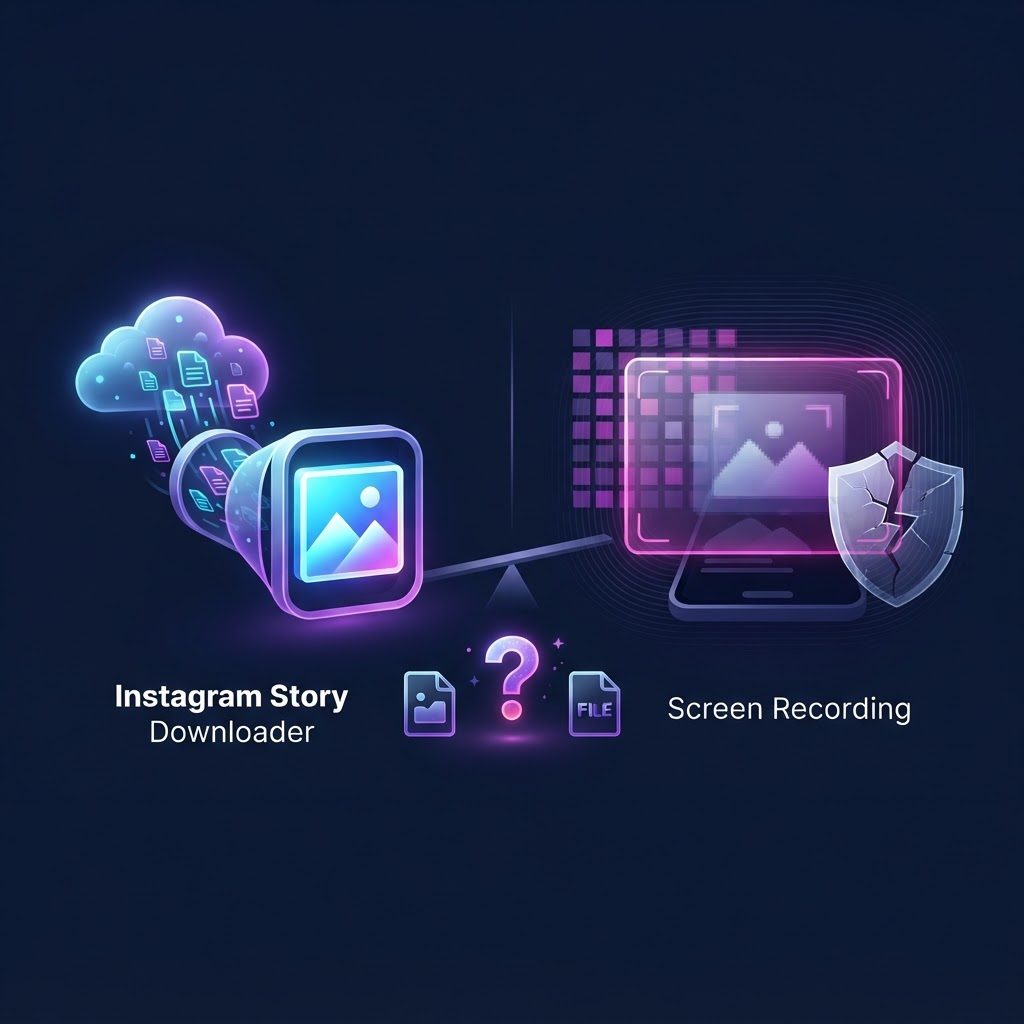
When comparing an instagram story downloader vs screen recording, the core difference lies in how the media is captured. Screen recording captures your device's display pixels, which includes UI elements, notifications, and results in lower video quality. An Instagram story downloader fetches the original source file directly from Instagram's servers. This preserves the original HD resolution and audio without requiring you to log in or risk accidental engagement.
Key takeaways
- Screen recording captures your entire display, leading to UI clutter, lower resolution, and larger file sizes.
- Story downloaders fetch the original MP4 or JPG file directly from public Instagram servers, ensuring maximum quality.
- Neither method notifies the target user when saving standard stories, but downloaders prevent you from accidentally appearing on the "Seen By" list.
- Dedicated tools offer better workflows for archiving content, including highlights, reels, and profile media.
- No tool, including downloaders or screen recorders, can access content from private Instagram accounts.
The Core Difference: How Both Methods Actually Work
To understand the debate between an instagram story downloader vs screen recording, you must first understand the mechanics of how each method acquires media.
Screen recording is a localized process. When you use native tools like the iOS Screen Recorder, Android's built-in capture, or third-party software like iReaShare Screen Recorder, your device is simply recording the pixels currently being displayed on your monitor or phone screen. It does not interact with Instagram's servers. It simply records what your eyes see. This means if a text message notification drops down, your battery indicator is visible, or the Instagram interface (like the reply box or the user's handle) is on screen, all of that is permanently burned into your final video file.
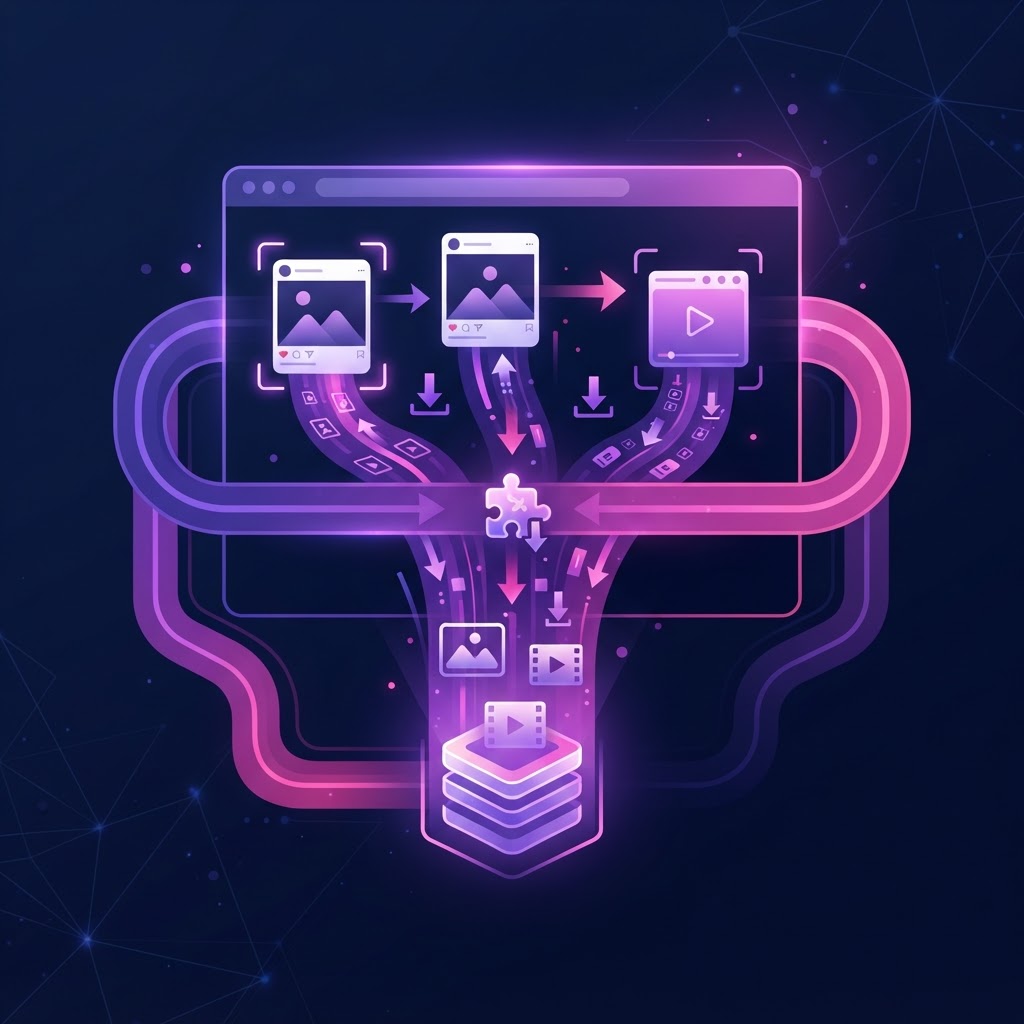
An Instagram story downloader operates entirely differently. These tools act as a bridge between you and the public media files hosted on Instagram's content delivery network (CDN). When you input a Instagram username into a downloader, the tool queries the available public data for that profile. It locates the direct URL for the media file (the raw MP4 for a video or the JPG for a photo) and allows you to download that exact file to your device.
This fundamental difference in mechanics dictates everything from the quality of the final file to the privacy of the person saving it. Screen recording is a blunt instrument; downloading is a precise extraction.
Quality and Resolution: Why Screen Recording Falls Short
If your goal is to archive content for professional reference, mood boards, or high-quality personal keeping, the quality of the saved file is paramount. This is where the limitations of screen recording become glaringly obvious.
When you screen record a video playing on your phone, you are subjecting that video to a second round of compression. Instagram has already compressed the original upload to save bandwidth. When your phone records the screen, it uses its own codec to compress the recording. This double-compression often results in artifacting, pixelation, and a noticeable drop in frame rate. Furthermore, the aspect ratio of your phone screen might not perfectly match the aspect ratio of the story, leading to black bars (letterboxing) on the sides or top of your recording.
Conversely, a downloader retrieves the exact file that Instagram is serving. There is no secondary compression. If the user uploaded a crisp, 1080p video, the downloader retrieves that 1080p video. The text overlays and stickers applied by the creator remain sharp, and the audio is preserved exactly as it was published. For a deeper dive into maintaining media fidelity, you can read our guide on How to Preserve Instagram Stories in HD: The Complete Guide.
Privacy and Anonymity: Staying Off the "Seen By" List
Privacy is a major concern for users researching how to save Instagram content. A common question is whether Instagram notifies users when you screen record their stories. As noted by various tech resources, Instagram does not send notifications for screen recording standard public stories. However, the act of viewing the story on your own account to record it means your username will appear on the creator's "Seen By" list.
If you want to view and save content without your personal account being tied to the view, screen recording requires you to use a secondary account. Managing multiple accounts can be tedious.
Using a web-based downloader bypasses this issue entirely. Because the tool fetches the media directly from the public server without requiring you to log into your Instagram account, your personal profile is never associated with the view. The creator simply sees a view from an anonymous web request, or the view isn't registered in the standard user list at all. This provides a layer of separation that native screen recording cannot offer.
Workflow and Convenience: Saving Content at Scale
Consider the workflow required to screen record five different stories from a single profile. You must start the recording, tap through the stories, wait for each video to play in its entirety, stop the recording, open your camera roll, and then manually crop the video to remove the beginning and end where you were interacting with your phone's control center. It is a time-consuming, manual process.
Story downloaders streamline this workflow significantly. When you enter a username, a good downloader will display a grid of all currently available stories. You can simply click a "Download" button beneath the specific photos or videos you want. The files are instantly saved to your device's download folder, perfectly trimmed and ready to use.
For users who need to archive content frequently, this efficiency is invaluable. Some users even prefer browser extensions for this purpose, though they come with their own pros and cons, which we cover in The Ultimate Instagram Content Downloader Browser Extension Review.
Try InstaSPY now
View your first Instagram profile anonymously for free
Enter a username to view available stories, highlights, reels, and posts without an Instagram login.
No Instagram password required
Legal and Ethical Boundaries of Saving Stories
Regardless of whether you choose an instagram story downloader vs screen recording, the legal and ethical guidelines remain the same. Saving a public story for personal use—such as keeping a recipe, saving a workout routine, or archiving a reference for a design project—is generally considered acceptable and falls under fair use.
However, re-uploading someone else's content, claiming it as your own, or using it for commercial purposes without explicit permission is a violation of copyright law and Instagram's Terms of Service. Tools that facilitate downloading are designed for personal archiving and viewing convenience, not for content theft.
It is also crucial to reiterate that neither method allows you to bypass Instagram's privacy settings. If an account is set to private, you cannot use a downloader to access their stories unless you are an approved follower, and even then, third-party tools cannot authenticate to view private media. You can only screen record a private story if you are already an approved follower viewing it on your own feed.
Comparison Table: Instagram Story Downloader vs Screen Recording vs InstaSpy.ai
To make the best decision, it helps to look at how native screen recording compares to generic web downloaders (like IGExport) and a dedicated platform like InstaSpy.ai.
| Feature | Screen Recording | Generic Web Downloader | InstaSpy.ai |
|---|---|---|---|
| Works without an Instagram login | No (must log in to view) | Yes | Yes |
| View stories | Yes | Yes | Yes |
| View highlights | Yes | Yes | Yes |
| View reels and profile media | Yes | Yes | Yes |
| One-click downloads | No | Yes | Yes |
| Profile tracking with new-story alerts | No | No | Yes |
| Transparent cancel-anytime billing | N/A | No | Yes |
| Ad-free experience | Yes | No | Yes |
As the table illustrates, while screen recording is free and ad-free, it lacks the one-click convenience and anonymity of dedicated tools. Generic web downloaders offer anonymity but often plague users with intrusive ads and lack advanced features like profile tracking.
Step-by-Step Workflow: How to Save Stories the Right Way
If you decide to use a downloader, the process is straightforward and designed to minimize friction. Here is a practical workflow for archiving public Instagram content efficiently:
- Identify the Target Profile: Ensure the account you wish to view is public. If you are managing a list of accounts to monitor, you might find our guide on How to Use a Chronological Instagram Following List Viewer helpful for organizing your workflow.
- Access the Tool: Navigate to your chosen downloader, such as InstaSpy.ai, using any standard web browser on your mobile device or desktop.
- Enter the Username: Type the exact Instagram handle into the search bar. You do not need the full URL, just the username.
- Browse Available Content: The tool will display the currently active stories (posted within the last 24 hours), as well as available highlights, reels, and profile media.
- Download: Click the download icon next to the specific media you want. The file will save directly to your device's native storage (e.g., the Downloads folder on Android or the Files app on iOS).
This workflow completely eliminates the need to crop videos, mute your microphone, or worry about UI elements ruining the shot.
Common Mistakes to Avoid When Archiving Instagram Content
When users first transition from screen recording to using downloaders, they often bring bad habits with them or misunderstand how the tools function. Here are common pitfalls to avoid:
Assuming Private Accounts are Accessible: The most common mistake is attempting to download stories from a private account. No legitimate tool can bypass Instagram's privacy walls. If an account is private, their media is not available on the public CDN.
Falling for Phishing Scams: Never use a "downloader" that requires you to input your Instagram password. Legitimate tools operate entirely on public data and do not need your credentials. Providing your password risks account theft.
Ignoring Audio Settings During Screen Recording: If you do choose to screen record, a frequent mistake is forgetting to manage your microphone settings. On many devices, screen recording captures both internal audio and external microphone audio by default, meaning your background noise will be recorded over the story's audio.
Waiting Too Long: Stories disappear after 24 hours. If you see something you want to archive, do it immediately. Once a story expires, it is removed from the public CDN and cannot be retrieved by any downloader unless the user adds it to a Highlight.
The Final Verdict: Which Method Should You Choose?
When evaluating an instagram story downloader vs screen recording, the choice ultimately depends on your needs for quality, efficiency, and privacy.
Screen recording is a viable fallback if you are already viewing a story on your own account and need to capture a fleeting moment instantly, without caring about UI clutter or compression. However, for anyone who values high-definition media, clean files without interface overlays, and the ability to view content without logging in, an Instagram story downloader is objectively superior.
We recommend InstaSpy.ai because it provides a comprehensive, ad-free environment for viewing and downloading available public content. It allows you to access stories, highlights, reels, and profile media in one place, offers one-click downloads, and features profile tracking—all backed by transparent billing and requiring no Instagram login. While we are honest that no tool can access private accounts, for public media, it is the most efficient workflow available.
Frequently Asked Questions
Does Instagram notify the user if I use a story downloader?
No. Because a story downloader fetches the media file directly from Instagram's public servers without using your personal account, there is no mechanism for Instagram to notify the user that you specifically downloaded their content.
Why is my screen recording blurry compared to the original story?
Screen recording subjects the video to a second round of compression using your device's native codec. Additionally, if your network connection drops while viewing, Instagram lowers the playback resolution, which your screen recorder then captures. Downloaders fetch the original source file, avoiding this issue.
Can I download stories from a private account if I follow them?
No. Third-party downloaders rely on public data access. Even if your personal account follows a private user, the downloader tool does not have your login credentials and therefore cannot access that private content.
Do story downloaders save the audio as well?
Yes. When you use a legitimate downloader to save a video story, it retrieves the complete MP4 file, which includes the original audio track exactly as it was uploaded by the creator.
Is it legal to download someone else's Instagram story?
Downloading public content for personal, private use (such as saving a recipe or a reference image) is generally considered fair use. However, redistributing, re-uploading, or monetizing someone else's copyrighted content without permission is illegal and violates platform terms.
Will using a downloader affect my Instagram algorithm?
No. Because you do not log into your Instagram account to use a downloader like InstaSpy.ai, your viewing habits on the tool are completely disconnected from your personal profile and will not influence your feed recommendations.
Ready to upgrade your archiving workflow? Stop settling for cluttered, low-quality screen recordings. Visit InstaSpy.ai today to view and download available Instagram stories, highlights, and reels in original HD quality, completely anonymously and without an Instagram login.
InstaSpy.ai provides tools for viewing and analyzing public Instagram profiles privately, with no Instagram login.