Publicado originalmente em instaspy.ai por Equipe do InstaSPY.ai.
The Comprehensive Guide to Secure Anonymous Instagram Browsing: Best Practices for Digital Privacy
In the era of social media, digital surveillance and footprint management have become essential skills for researchers, professionals, and privacy-conscious users. When you browse Instagram stories, your interactions are typically logged by the platform. To view these stories without attaching your digital identity or metadata to the process, you must utilize passive tools. However, the ecosystem of third-party viewers is rife with security risks, including phishing schemes, malware-laden ad networks, and data harvesting operations. To browse safely, you must prioritize platforms that require zero login credentials, operate strictly through encrypted HTTPS connections, and strictly avoid unnecessary data retention. Understanding the technical infrastructure behind these tools is your first line of defense. By adhering to a rigorous security framework, you can maintain your anonymity while effectively accessing public content.
Why Digital Hygiene is Critical for Anonymous Browsing
When you engage with a third-party viewer, you are effectively creating a bridge between your private network and the Instagram servers. Without a strict security checklist, you risk exposing your IP address, browser fingerprint, and even your session cookies to the site operator. True anonymity relies on passive proxying—where the tool fetches data on your behalf without your personal identity ever being transmitted to the source or stored by the intermediary.
Security is not merely about avoiding hackers; it is about minimizing your attack surface. Every time you connect to an untrusted service, you allow that site to record your arrival time, device type, and location data. Platforms like InstaSpy.ai mitigate these risks by functioning as a terminal, stripping away user-specific trackers before serving the content. When you bypass the official Instagram interface, you are operating outside the ecosystem that tracks your every interaction, providing the first critical layer of privacy.
The 5-Point Security Verification Protocol
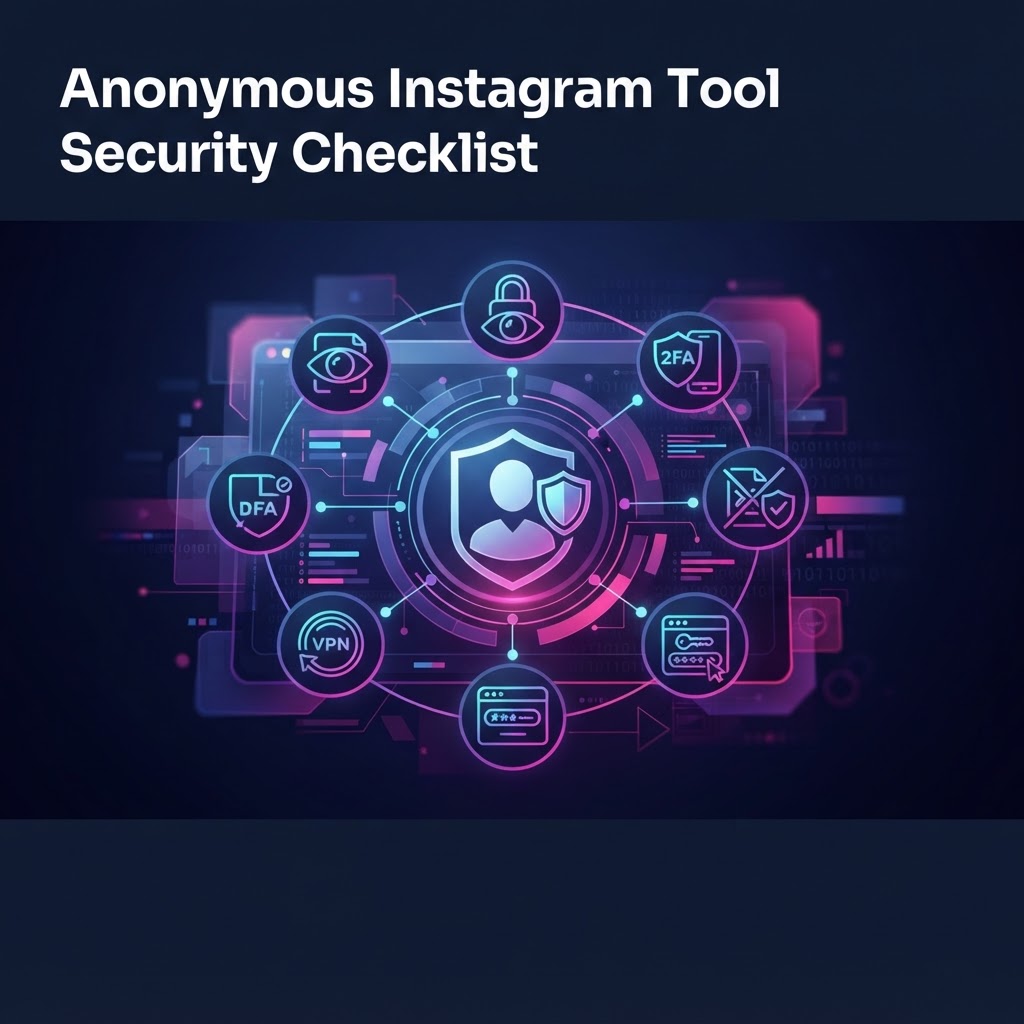
Before you input any handle into a viewing service, perform a systematic audit using these five criteria. If a site fails even one, abandon it immediately:
- Protocol Inspection: Check the browser address bar. Does it display a valid HTTPS certificate? If you encounter a "Not Secure" warning or an expired SSL certificate, the site cannot guarantee the integrity of your connection, leaving your data vulnerable to interception.
- Data Requirement Audit: Does the site ask for your login or a password? Any site requesting your official Instagram credentials is not an anonymous viewer; it is a phishing operation designed to hijack your account. A legitimate viewer requires nothing more than a available profiles URL.
- Transparency and Privacy Policy Review: Look for a clear privacy policy. A trustworthy service will explicitly state that it does not log your IP address or associate it with the profiles you search for. Avoid sites that have vague language regarding "data processing."
- Advertising Behavior Analysis: If a site redirects you through multiple landing pages or forces you to complete a "Human Verification" survey, it is prioritizing ad revenue over your security. These layers often host malicious scripts that can execute automatically upon loading.
- Infrastructure and CDN Integrity: Secure tools generally utilize reputable Content Delivery Networks (CDNs). A site that loads quickly and stays stable suggests a professional operation, whereas a sluggish, error-prone site is often built on low-cost, insecure hosting environments prone to vulnerabilities.
Step-by-Step Workflow for Anonymous Viewing
To ensure your research sessions remain completely private, adopt this repeatable workflow:
- Session Preparation: Before visiting any third-party service, clear your browser cache and cookies. This flushes lingering trackers from your current session, ensuring that your previous activities don't bleed into your anonymous viewing session.
- The Dry Run Test: Never input a sensitive search until you verify the tool's behavior. Search for a generic, public-facing account first. If the tool displays content instantly without redirecting you to external sites or demanding "verification," it passes the initial usability and safety test.
- Research Isolation: If you are performing a competitive creative audit, keep your findings in a separate document. By centralizing your notes away from the web browser, you prevent storing sensitive competitive data within your browser’s temporary storage or history files.
- End-of-Session Cleanup: Once your research is complete, close the browser instance entirely. This forces the browser to drop non-persistent session storage that could potentially be used to identify your device in future visits.
Managing Downloaded Content and Metadata Safely
If your work requires saving stories, the security risks shift from your browser to your local hardware. A downloaded file is not just an image; it carries EXIF metadata and file attributes that can reveal when and how the file was acquired.
- Local Organization: Store downloaded media in an isolated folder that is excluded from cloud-sync services. If you keep these files in a Dropbox or Google Drive folder, you risk syncing potentially sensitive research to the cloud, where it could be indexed or exposed if your account is compromised.
- Metadata Scrubbing: Before moving or sharing any files, use a metadata removal tool to strip geographic or device-specific tags. This ensures that the files themselves do not contain hidden indicators of your identity.
- Encrypted Storage: If you are conducting high-stakes industry research, keep your media folder on an encrypted volume (such as a Veracrypt partition) to prevent unauthorized local access to your findings.
Experimente o InstaSPY agora
Veja seu primeiro perfil do Instagram anonimamente e de graça
Digite um nome de usuário para ver stories, destaques, reels e publicações disponíveis sem entrar no Instagram.
Não precisa da senha do Instagram
What Makes a Tool Secure vs. Dangerous
A secure viewer acts as a passive window—it simply mirrors public data. Conversely, a dangerous tool acts as an active "middleman" that logs your traffic for future exploitation. You can distinguish between the two by observing their "hooks":
- Indicators of a Dangerous Tool:
- Requests for an email address to "send the story to you."
- Prompts to download browser extensions or "viewers" to access content.
- Pop-ups demanding you update your browser or install plug-ins.
- Redirects to pages that look like official login forms.
True anonymous viewing should be boring and direct. If a platform tries to keep you on-site by gamifying the experience or creating barriers, they are likely harvesting your data to feed ad-tech profiling engines.
Avoiding Common Phishing Traps
Phishing remains the most prevalent threat in this space. Attackers often create pixel-perfect replicas of the Instagram login page to capture your credentials. Even if you do not click "login," simply navigating to these malicious sub-domains exposes your browser to session-cookie theft, where attackers steal your current active login token to bypass your password protection entirely.
Always scrutinize the URL structure. If the domain is not exactly instagram.com, stop. Never assume that a site is safe just because it successfully fetched a profile picture. Attackers often fetch legitimate images from Instagram's servers to make their phishing site appear authentic. If you are ever in doubt, rely on the established security principles of high-reputation, non-login services like InstaSpy.ai.
FAQ: Anonymous Instagram Security
Does using an anonymous viewer get my account banned? No. A legitimate, passive viewer never communicates with your personal account. Since no login is involved, Instagram has no technical way to link the viewing session to your personal profile.
Can they see that I am viewing their story if I use a tool? No. The target user only sees traffic from the viewer’s IP address (the proxy), not your own. Your identity remains masked.
Is it safe to use these tools on mobile? Yes, but exercise caution. Use browser-based tools rather than "anonymous viewer" apps from the app store. Many apps require excessive permissions, such as contact access, which is a major red flag.
Do these tools store my search history? A professional-grade platform like InstaSpy.ai does not maintain user logs. We prioritize a "zero-knowledge" approach to browsing sessions.
What is the single most important rule? Never, under any circumstances, input your personal Instagram password into a third-party tool. There is no legitimate functionality in a viewer that requires your password.
Conclusion: Maintaining Long-Term Privacy
Privacy is an active, not passive, state. The tools you choose reflect your commitment to your digital safety. By strictly avoiding platforms that ask for credentials, auditing the behavior of the sites you visit, and managing your locally downloaded media with care, you can effectively monitor content without leaving a trace. For a secure, consistent, and reliable experience, leverage a platform like InstaSpy.ai that is built to protect your identity. By maintaining these standards, you ensure that your browsing habits remain confidential and your digital footprint stays secure, no matter the scale of your research.
Related Profiles
- Watch Martha Stewart Instagram Stories Anonymously | InstaSpy.ai
- Watch Cedric Grolet Instagram Stories Anonymously | InstaSpy.ai
- Watch Caitlin Greene Instagram Stories Anonymously | InstaSpy.ai
- Watch Ravneet Gill Instagram Stories Anonymously | InstaSpy.ai
- Watch Seema Pankhania Instagram Stories Anonymously | InstaSpy.ai
- Watch Jordon Ezra King Instagram Stories Anonymously | InstaSpy.ai
InstaSpy.ai oferece ferramentas para visualizar e analisar perfis públicos do Instagram com privacidade, sem precisar fazer login no Instagram.