פורסם במקור ב- instaspy.ai על ידי צוות InstaSPY.ai.
Mastering Anonymous Viewer Notifications: A Comprehensive Guide to Stealth Monitoring In the modern digital landscape, the ability to monitor public content without leaving a trace is a technical necessity for researchers, marketers, and privacy-conscious users. When utilizing tools like InstaSpy.ai, the primary objective is total obfuscation—ensuring your digital footprint is entirely decoupled from your personal identity. Customizing your anonymous viewer notification settings is the most effective way to balance operational convenience with deep stealth. By configuring these alerts, you transform a manual browsing process into a streamlined, automated workflow, allowing you to stay updated while remaining invisible to the platform you are observing. If you are integrating this tool into broader projects, consider how this fits into your How to Curate Mood Boards: A Step-by-Step Guide for Creatives.
The Philosophy of Stealth: Why Notification Customization Matters Stealth is not merely about the act of viewing; it is about how you interact with the information ecosystem. Every time you check a feed manually, you introduce variables—IP signatures, browser fingerprints, and session timing. By shifting to a notification-based model, you move away from erratic, manual checks and toward a controlled, automated interval. The core benefit of customization is the reduction of 'interaction noise.' By setting up precise alerts, you eliminate the need to constantly refresh pages, which is the most common way users accidentally flag their presence or trip rate-limiting algorithms. Advanced users understand that anonymity is a cumulative state: it is the result of consistent, low-entropy behavior. When you tailor your notification triggers, you are not just getting updates; you are effectively narrowing your exposure window to the absolute minimum required to gather the necessary data.
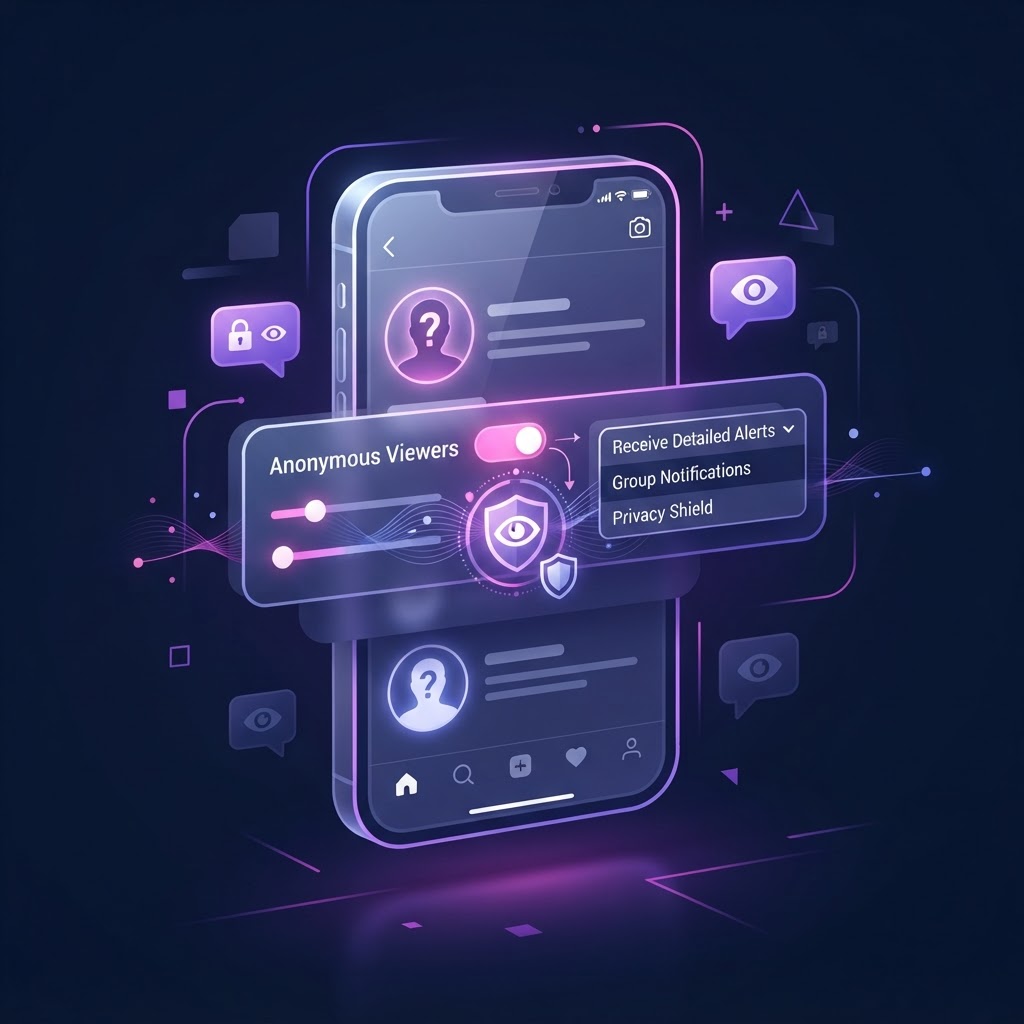
Architectural Overview: Managing Notifications and Data Retention To optimize your experience, you must first navigate the global settings panel within your account dashboard. The 'Alerts & Privacy' tab serves as the command center for your operational security. When you are managing these settings, you are essentially deciding how much data the system keeps on your behalf versus how much is processed in real-time.
Configuration Workflow:
- Access the global settings panel within your account dashboard.
- Navigate to the 'Notification Preferences' sub-menu located under the 'Security' section.
- Evaluate your current real-time push notification status; if you operate on a mobile network, ensure push limits are capped to prevent data spikes.
- Toggle 'Silent Mode' if you prefer an asynchronous workflow where you check your updates only when your threat model allows for a high-security environment.
Step-by-Step Optimization for Real-Time Alerting Real-time alerts are the most efficient way to track public content, provided they are configured to avoid platform-level detection. When you set up alerts for specific handles, you are creating a 'secure polling loop.' The system monitors these accounts on your behalf, effectively acting as a proxy.
Practical Steps for Configuring Watch-lists:
- Navigate to the 'Monitored Accounts' list.
- Input the specific target handle.
- Enable the 'New Story Alert' toggle.
- Select your delivery channel: in-app browser notification, encrypted email, or secure system pings.
- Save the configuration to initialize the randomized polling interval. If you encounter connectivity lags, this is often a signal that your network environment is interfering with the polling service. Refer to Troubleshooting Anonymous Viewer Connection Errors: A Step-by-Step Guide to ensure your local network is not obstructing the secure tunnel.
Balancing Privacy Thresholds and Stealth Modes Stealth depends on the intersection of data retention and your personal security requirements. For users who cannot afford any local evidence of their activity, the 'Privacy & Stealth' tab is the most critical area of your configuration.
Decision Criteria: - Cloud-Based vs. Local Storage: Cloud storage allows for cross-device syncing, while local storage offers better protection against physical device inspection. If you use shared hardware, always opt for 'Clear on Close' data retention. - Strict Stealth Mode: Enabling this feature forces the system to rotate proxy connections globally. This is recommended if you are monitoring multiple accounts within a short period to prevent session correlation. - Proxy Masking: Always verify that your current session is routed through the provided encrypted proxy layers before activating high-frequency alerts.
נסו את InstaSPY עכשיו
צפו בפרופיל הראשון שלכם באינסטגרם באופן אנונימי וללא תשלום
מזינים שם משתמש כדי לצפות בסטוריז, בהיילייטס, ברילס ובפוסטים הזמינים — בלי להתחבר לאינסטגרם.
לא צריך סיסמה לאינסטגרם
Keyword-Based Monitoring for Targeted Intelligence Monitoring an account 24/7 is often inefficient and generates excessive traffic logs. Keyword-based monitoring allows you to filter content, so you are only notified when a specific topic of interest is mentioned.
The Workflow for Keyword Integration:
- Navigate to 'Keyword Monitoring' in your settings.
- Define your term list (e.g., product launches, specific event hashtags, or competitor updates).
- Adjust the 'Sensitivity Threshold.' High sensitivity triggers an alert on any mention, while 'Strict Sensitivity' filters for primary content only.
- Set the frequency. For non-critical monitoring, 'Batched Updates' are superior to 'Immediate' alerts, as they create a more natural, human-like pattern of interaction that is harder for platform analytics to flag. Should your monitoring system stop delivering notifications, it is rarely a server issue. It is often a browser cache conflict. See Troubleshooting Broken Anonymous Viewer Links: A Step-by-Step Guide for a resolution.
Advanced Session Management and Device Syncing When using InstaSpy.ai across multiple devices, session management is the biggest risk factor for identity exposure. You want a unified view of your alerts without having a trail of session tokens active everywhere.
Managing Multiple Access Points: 1. Session Purge: Regularly check your 'Active Sessions' panel in the account dashboard. 2. Global Sync Policy: If you enable sync, ensure that all devices share the same proxy/VPN configurations. A mismatch in IP addresses across devices can trigger system red flags. 3. Logout Timers: Set a global logout timer (e.g., 60 minutes) to ensure that if you step away from your computer, your monitoring dashboard does not remain open.
Troubleshooting Common Notification Anomalies Even with meticulous configuration, you may occasionally face false positives or delays. These are typically artifacts of network latency rather than software failures.
Troubleshooting Checklist: 1. Network Sync: Check your VPN or proxy to ensure the exit node matches the expected region for your target content. 2. Audit Log: Review your 'Alert Log.' If you see a high frequency of alerts from a single account, increase the polling interval to avoid triggering rate limits. 3. Queue Reset: If notifications seem to be stuck, clearing the notification history cache from the settings menu will force the system to requeue correctly.
FAQ: Professional Security Considerations * Are my notification settings visible to the platforms I monitor? No. Settings are end-to-end encrypted and stored in your private, secure environment, completely invisible to external parties. * Do push notifications impact my anonymity? No, as long as you use the built-in system tools. The alerts are pulled through our secure relay, not directly from the platform. * What is the impact of high-frequency polling on my security? High-frequency polling increases your interaction frequency. For maximum stealth, we recommend moderate polling intervals. * Can I sync alerts across mobile and desktop? Yes, via the 'Global Sync' feature, but ensure both devices are secured with the same standard of encryption. * Why am I receiving delayed notifications? This is usually due to network latency on your local device. Ensure your proxy tunnel is stable. In conclusion, customizing your anonymous viewer notification settings is not just a feature; it is an essential part of your security hygiene. By moving from reactive manual checks to proactive, customized alerts, you maintain full control over your digital environment while keeping your identity, interests, and research habits entirely off the grid. Begin optimizing your workflow by visiting https://instaspy.ai to implement these strategies today.
Related Profiles
InstaSpy.ai מציע כלים לצפייה ולניתוח פרופילים ציבוריים ב-Instagram באופן פרטי, בלי להתחבר ל-Instagram.