Pubblicato originariamente il instaspy.ai da Il team di InstaSPY.ai.
Why Instagram Stories Won't Play: A Comprehensive Troubleshooting Guide
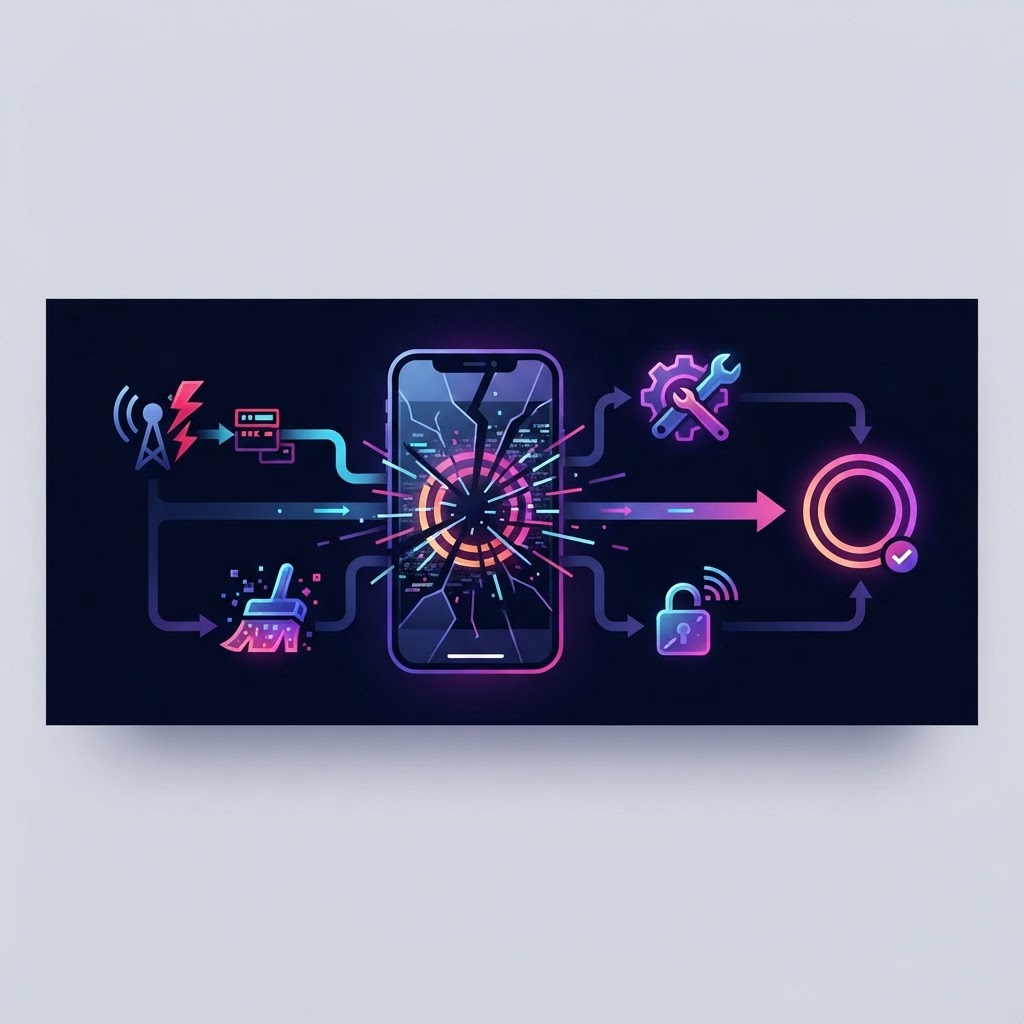
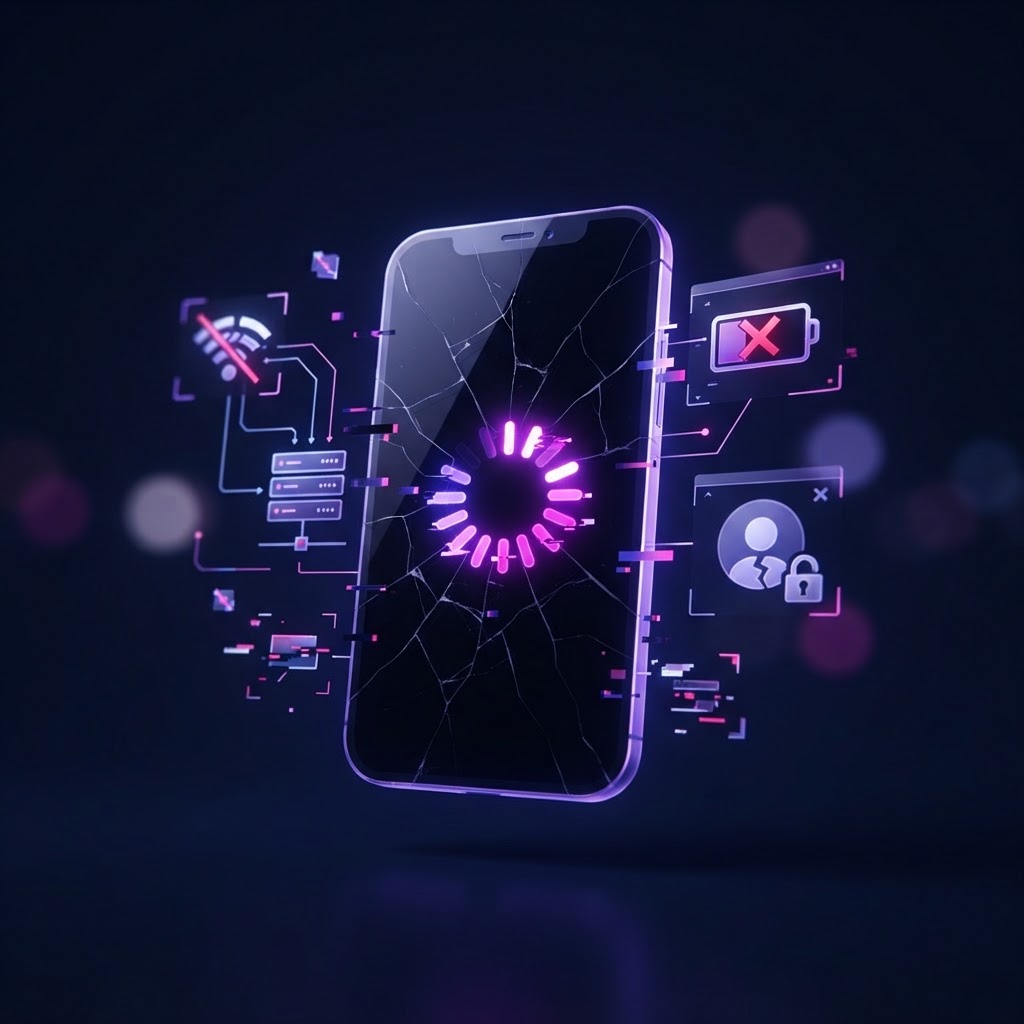
If you are asking why Instagram stories won't play, you are not alone. The issue typically stems from an unstable internet connection, an outdated app version, or temporary server-side glitches on Instagram's end. When a story refuses to load, it manifests as a spinning icon, a black screen, or a video that skips prematurely. Because Instagram stories rely on adaptive streaming technology, they are highly sensitive to network fluctuations, device memory, and app-level data conflicts. This guide provides a systematic approach to diagnosing and resolving these playback failures, ensuring you can return to your feed without interruption. For those who need to view content on devices where the app struggles, Anonymous Instagram Viewer Tablet Compatibility: A Comprehensive Guide offers further insights into hardware-specific limitations.
Understanding the Technical Mechanics of Story Playback
To troubleshoot effectively, one must understand how Instagram delivers video content. Unlike standard images, stories are streamed as short-form, high-bitrate video segments. This process involves your device requesting data from Instagram’s Content Delivery Network (CDN), buffering it in small chunks, and rendering it in real-time. If any part of this chain is broken—the handshake between your phone and the server, the integrity of the temporary cache, or the decoding capabilities of your device—the playback halts.
Most users perceive playback errors as a singular "glitch," but they are usually the result of specific environmental factors. For example, if your device is running low on internal storage, it may fail to write the necessary temporary video files, causing a "black screen" syndrome. Furthermore, because stories are encrypted, any interruption in the network handshake—often caused by aggressive ad-blockers or VPNs—can lead to a complete stop in the streaming process.
Phase 1: Diagnostic Network Protocols
Before you attempt complex software fixes, you must rule out the most common culprit: the network. Instagram stories require a constant, low-latency connection. Even if your speed test shows high download speeds, packet loss can prevent the story stream from initializing.
Practical Diagnostic Workflow:
- The Toggle Test: Turn your Wi-Fi off and allow the app to run on cellular data. If the story loads immediately, your Wi-Fi router is likely experiencing DNS resolution issues or traffic throttling.
- VPN Evaluation: If you use a VPN, disconnect it. VPNs add layers of encryption and routing that often cause the Instagram media server to reject your request due to latency timeouts.
- Router Refresh: If multiple devices on your network are failing, perform a hard reset on your router. A power cycle clears the NAT (Network Address Translation) table, which can sometimes get clogged with stale connections.
For users who frequently encounter connectivity walls, consider reading The Ultimate Device Specific Instagram Media Download Guide to learn how to cache content locally for offline playback.
Phase 2: Clearing Cache and Resolving Data Corruption
Instagram creates a massive local cache to ensure stories load quickly when you revisit a profile. Over time, these files can become corrupted. A corrupted file may tell the app that a video is already loaded, preventing it from fetching the current version from the server.
Android Cache Clearing:
Navigate to Settings > Apps > Instagram > Storage. Tap "Clear Cache." Do not tap "Clear Data" unless you are ready to log back in, as this will reset your entire local account configuration.
iOS Cache Clearing:
Apple does not provide a direct button to clear individual app caches. To resolve this, you must "Offload" the app. Go to Settings > General > iPhone Storage > Instagram > Offload App. Reinstalling it via the App Store will preserve your account data while wiping the corrupted cache files.
Phase 3: System Compatibility and Versioning
Instagram frequently pushes updates that require specific system frameworks. If your operating system (OS) is significantly outdated, the Instagram app may encounter API conflicts when trying to render modern video formats.
Decision Criteria for Updates:
- Check OS Compatibility: Ensure your device is running at least iOS 14 or Android
- Legacy devices may lose support for specific video codecs used in Instagram’s newest updates.
- App Store Verification: Manually visit the App Store or Google Play Store. Sometimes auto-updates fail, leaving you with a "zombie" version of the app that is neither current nor truly stable.
- Browser Alternatives: If your hardware is the bottleneck, the mobile app will always struggle. Using a browser-based viewer provides a lower overhead environment. Refer to Best Instagram Story Downloader for Desktop Browsers: Fast & Secure to explore how web environments often outperform native apps on older hardware.
Phase 4: Navigating Server-Side Disruptions
Sometimes, the issue is not with you; it is with Instagram. When thousands of users experience the same failure, the problem is usually a CDN outage or a localized server regional failure. Trying to "fix" your phone during these periods is a waste of time.
- Verification: Use third-party status trackers like DownDetector to confirm if spikes in user reports align with your timeline.
- Wait Time: Server outages typically resolve within 30 to 90 minutes. Repeatedly closing and reopening the app during an outage can lead to temporary IP rate-limiting, where Instagram blocks your connection attempt for "suspicious activity."
Prova InstaSPY ora
Guarda gratis e in anonimo il tuo primo profilo Instagram
Inserisci un nome utente per vedere storie, highlight, reel e post disponibili senza accedere a Instagram.
Non serve la password di Instagram
Phase 5: Account Restrictions and Privacy Settings
If you find that stories work for 99% of accounts but fail for one specific user, the problem is likely social or privacy-based rather than technical. If a user has changed their profile to private, or if you have been restricted by their privacy settings, the media will fail to load or appear as a blank space. Furthermore, Instagram has "Restricted" and "Muted" functions. If you have been blocked, the profile may remain visible, but the stories endpoint will return an empty response, effectively preventing you from viewing any media. Always verify if the user's content is still visible to mutual connections before assuming a hardware failure.
Advanced Troubleshooting: The "Nuclear" Options
If the standard steps fail, use these advanced workflows to isolate the error:
- The Session Refresh: Log out of your account, delete the app, perform a hard reboot of your device, and reinstall the app. This forces the device to pull a fresh session token from Instagram’s authentication servers.
- Time/Date Synchronization: Ensure your phone is set to "Automatic Date & Time." Instagram’s SSL/TLS certificates require precise time synchronization to establish a secure connection. If your clock is off by even a few minutes, the handshake will fail.
- Hardware Isolation: Log into your account on a friend's phone or a tablet. If it works there, the issue is localized to your primary device's OS configuration or security software settings.
Domande frequenti
Why do my stories load but stay on a black screen?
This is typically a video rendering failure. It occurs when your device’s GPU cannot decode the specific video codec the creator used. Clearing your cache and ensuring your phone has at least 2GB of free storage space usually resolves this.
Can a bad internet connection make stories skip?
Yes. The app employs adaptive bitrates. If your bandwidth dips below a specific threshold, the app will attempt to jump to the next segment to avoid a complete freeze.
Is it possible to fix stories not playing by reinstalling?
Yes. Reinstalling is the most effective way to clear hidden configuration files that you cannot manually access.
Why can I see other people's posts but not their stories?
Posts and stories are delivered through different delivery paths (APIs). A failure in the story endpoint suggests a conflict with your specific cache or a limitation set by the account owner.
Does a VPN cause Instagram stories to fail?
Yes. Many VPNs route traffic through high-latency servers. Since Instagram relies on real-time streaming, even a 50ms increase in latency can cause the player to time out.
Conclusion
Resolving playback issues is a process of elimination: start with your network, move to your app data, and verify your device compatibility. While these technical barriers are frustrating, most can be resolved by a simple cache refresh or a connection reset. For those who prioritize efficiency, speed, and cross-device accessibility, remember that you have options beyond the official mobile app. For a seamless and reliable way to view content without the common pitfalls of the mobile app environment, visit InstaSpy.ai for a fast, web-based alternative that keeps your viewing experience smooth and always accessible.
Related: How to Save Instagram Highlights Locally: The Ultimate Guide
Related Profiles
- Watch The Simpsons Instagram Stories Anonymously | InstaSpy.ai
- Watch Kevin Durant Instagram Stories Anonymously | InstaSpy
- Watch Luka Doncic Instagram Stories Anonymously | InstaSpy.ai
Related: Troubleshooting Anonymous Viewer Connection Errors: A Step-by-Step Guide
InstaSpy.ai offre strumenti per visualizzare e analizzare in modo riservato i profili Instagram pubblici, senza accedere a Instagram.