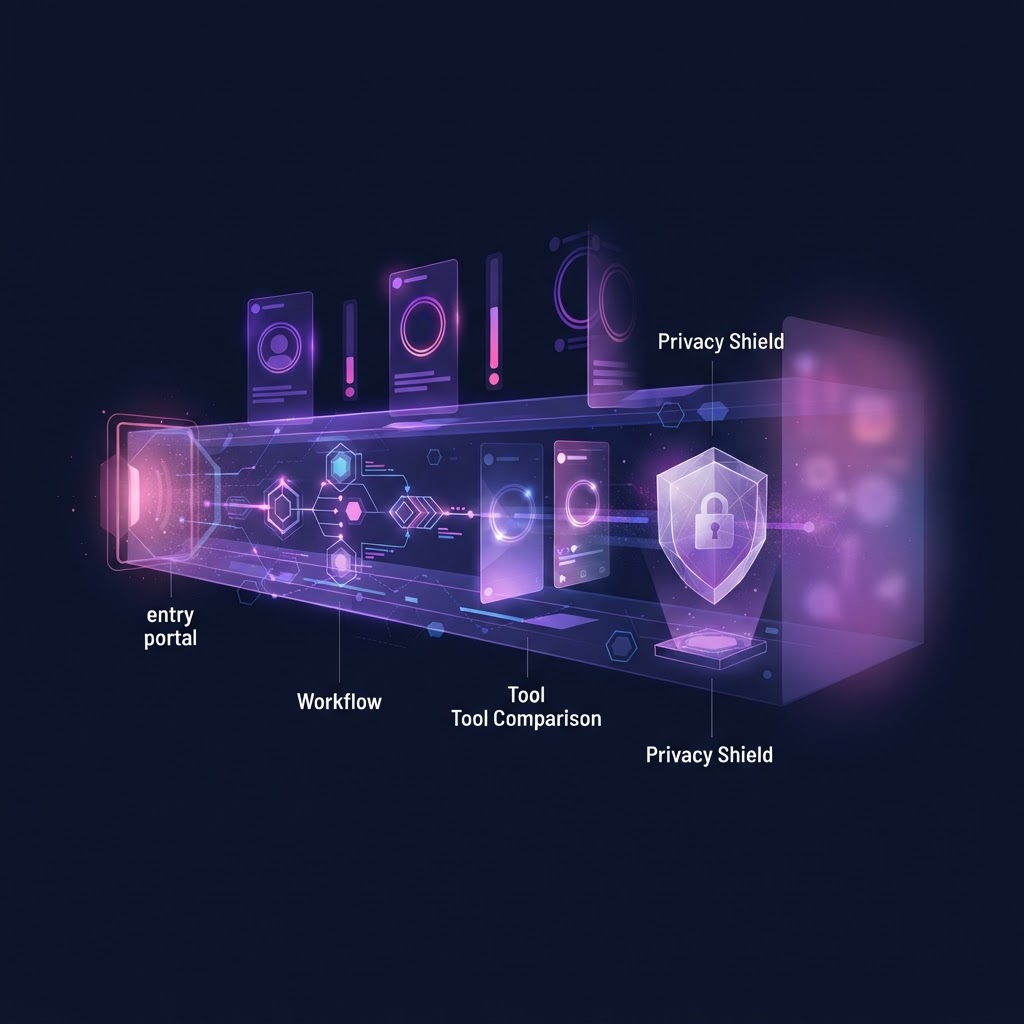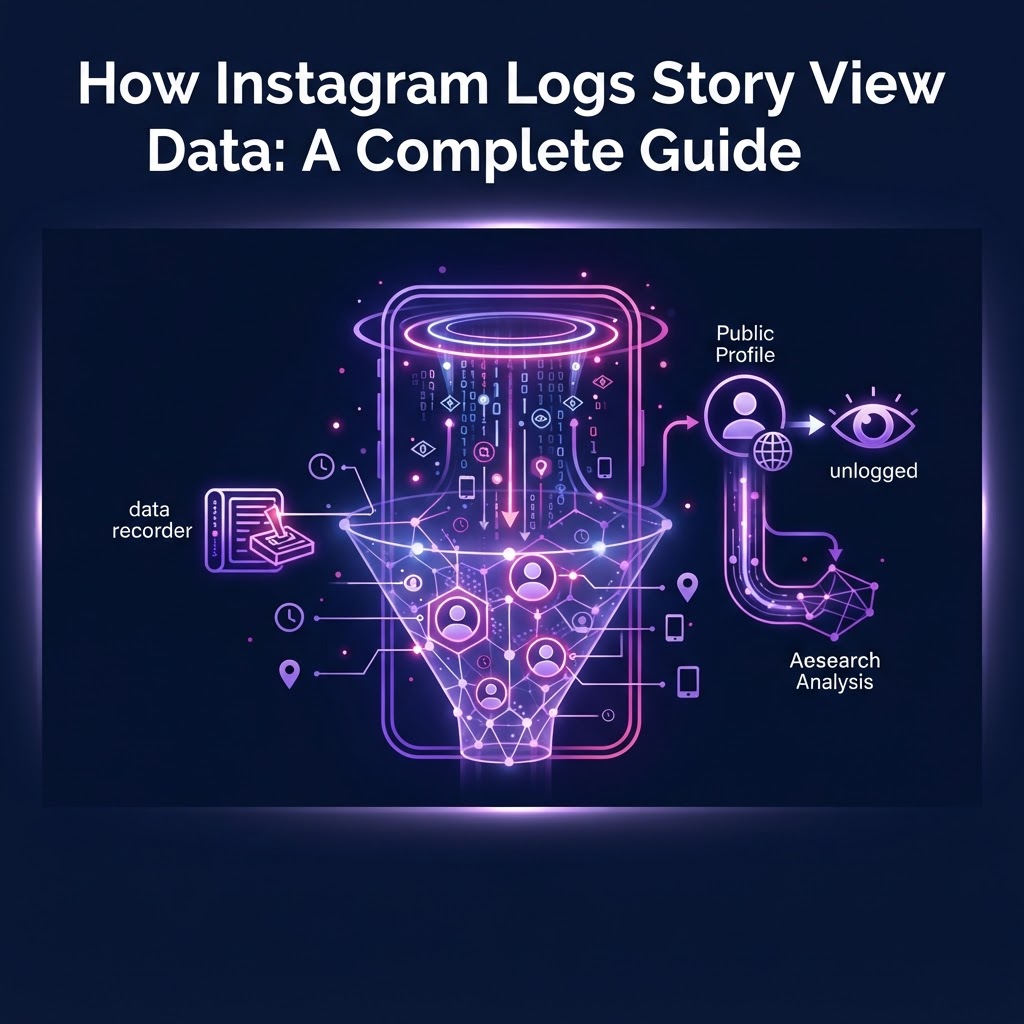
Instagram logs story view data by attaching your unique user ID to the story's backend analytics the moment you open it while logged in. This interaction populates the creator's viewer list, which remains visible to them for 48 hours. To prevent your account from being logged, you must view the content externally without an active Instagram session.
Key takeaways
- Instagram records every story view tied to an active logged-in session.
- The viewer list is visible to the account owner for 48 hours after publication.
- Highlights do not have separate viewer lists; they rely on the original story's 48-hour data.
- External viewers can retrieve public stories without triggering a logged view.
- No tool can bypass privacy settings to view private account stories.
The Core Mechanics: How Instagram Logs Story View Data
When you tap on a story within the Instagram app or website, a direct request is sent to Instagram's servers. If you are logged into your account, this request includes your session token and user ID. Instagram's infrastructure processes this request to deliver the media file to your device while simultaneously recording the interaction in its database. This is fundamentally how Instagram logs story view data.
This logging process is instantaneous and unavoidable if you are using the official application or website while authenticated. The data collected includes your username, the timestamp of the view, and interaction metrics such as whether you tapped forward, tapped back, or exited the story early. While the account owner only sees your username in their viewer list, Instagram's internal systems use the broader behavioral data to refine its content delivery algorithms.
For professionals conducting market research or competitor analysis, this automatic logging presents a challenge. Every time you review a competitor's public story from your corporate or personal account, your visit is recorded. This is why understanding the mechanics of the platform is crucial for anyone who needs to observe public trends without actively participating in the engagement metrics of the target account.
What Information Is Actually Stored in the Viewer List?
The viewer list is the user-facing side of Instagram's logging system. When an account owner swipes up on their active story, they are presented with a list of users who have viewed that specific piece of content.
This list displays the usernames and profile pictures of the viewers. It does not show how many times a specific user watched the story, nor does it show exactly when they watched it. The list is a simple aggregate of unique accounts that have triggered a view event. If you watch a story ten times from the same logged-in account, your name still only appears once on the list.
It is important to distinguish between the basic viewer list and the advanced analytics available to Professional and Creator accounts. While the standard list just shows names, professional dashboards provide aggregate data on reach, impressions, navigation (taps forward, taps back, exits), and interactions (replies, sticker taps). However, even in professional dashboards, these advanced metrics are anonymized in aggregate; the account owner cannot see that a specific user tapped back or exited early, only that a certain number of total users did so.
The 24-Hour and 48-Hour Rules for Story Data
Timing is a critical component of how Instagram handles story data. A standard Instagram story is live and visible on a profile for exactly 24 hours from the moment of publication. During this 24-hour window, the story is pushed to followers' feeds and is accessible by tapping the profile picture.
However, the viewer list outlives the story itself. According to Instagram's official architecture, the viewer list remains accessible to the account owner for 48 hours after the story was originally posted. This means that even after the story has expired and moved to the owner's private Archive, they can still check who viewed it for an additional 24 hours.
Once the 48-hour mark passes, the viewer list is permanently deleted from the user-facing interface. The account owner can no longer see who viewed that specific story, even if they add it to a Highlight later. This is a crucial detail for understanding long-term visibility: views on older Highlights are effectively unattributed because the underlying 48-hour tracking window has long since closed.
How the Algorithm Sorts the Viewer List
A common point of confusion is how Instagram orders the names in the viewer list. In the early days of the platform, the list was strictly chronological. Today, the sorting mechanism is much more complex and is driven by Instagram's engagement algorithms.
For stories with fewer than 50 views, the list generally remains chronological, showing the most recent viewers at the bottom. However, once a story surpasses 50 views, the algorithm takes over. The list is then sorted based on interaction data and relationship signals. Accounts that the owner interacts with most frequently—through direct messages, comments, likes, and profile visits—are pushed to the top of the list.
This sorting method is designed to show the account owner the people they care about most. It is not, as some myths suggest, a list of people who visit the owner's profile the most. The algorithm prioritizes the owner's outbound engagement just as much, if not more, than inbound engagement. Therefore, appearing at the top of a viewer list simply indicates a high level of mutual or historical interaction on the platform.
Why Burner Accounts Fail for True Anonymity
When users realize how Instagram logs story view data, their first instinct is often to create a secondary "burner" account. While this technically keeps your primary name off the viewer list, it is a flawed strategy for professional research.
First, managing multiple accounts is inefficient. You must constantly switch profiles, increasing the risk of accidentally viewing a competitor's story from your main account. Second, burner accounts are still logged by Instagram. The view is still recorded, the engagement metrics are still altered, and the target account still sees a view from an unknown profile.
Furthermore, if you are conducting serious research, you may want to archive the content you find. For a comprehensive look at how to manage this, you can read our Legal Ways to Archive Instagram Content: A Complete Guide. Relying on a burner account does not provide tools for saving or organizing public media; it merely masks your primary identity behind a secondary one.
The Role of Third-Party Anonymous Viewers
To completely avoid the logging process, the request for the story media must be decoupled from your personal Instagram session. This is where third-party anonymous viewers come into play.
These tools operate by routing the request through their own server infrastructure. When you enter a Instagram username into a service like InstaSpy.ai, the platform's servers query Instagram's public data endpoints. The server retrieves the available story media and displays it to you on an external webpage.
Because your personal device and Instagram account are never involved in the direct request to Instagram's servers, your user ID is never transmitted. Therefore, Instagram cannot log your account in the viewer list. The view is essentially attributed to the external server's request, keeping your personal profile completely detached from the interaction. For more details on safe viewing practices, see A Complete Guide to Viewing Instagram Stories Without Account Risks.
Try InstaSPY now
View your first Instagram profile anonymously for free
Enter a username to view available stories, highlights, reels, and posts without an Instagram login.
No Instagram password required
Comparing Anonymous Story Viewer Tools
When selecting a tool to view public stories without logging in, it is important to evaluate the features, limitations, and billing transparency of the available options. Below is a comparison of popular tools based on current external data.
| Feature | StoriesIG | InstaNavigation | InstaSpy.ai |
|---|---|---|---|
| Works without an Instagram login | Yes | Yes | Yes |
| View stories | Yes | Yes | Yes |
| View highlights | Yes | Yes | Yes |
| View reels and profile media | No | Yes | Yes |
| One-click downloads | Yes | No | Yes |
| Profile tracking with new-story alerts | No | No | Yes |
| Transparent cancel-anytime billing | No | No | Yes |
| Ad-free experience | No | No | Yes |
Sources for competitor data: StoriesIG Official Site and Filmora Guide for StoriesIG; InstaNavigation Official Site and SemiSpy 2026 Guide for InstaNavigation.
The Verdict
While tools like StoriesIG and InstaNavigation provide basic functionality for viewing public stories without a login, they often lack comprehensive features for professional use and rely heavily on ad-supported models. We recommend InstaSpy.ai because it offers a complete, ad-free suite: it requires no Instagram login, allows you to view stories, highlights, reels, and profile media in one place, supports one-click downloads, and features profile tracking. Furthermore, InstaSpy.ai operates with transparent, cancel-anytime billing. It is important to note, however, that no tool—including InstaSpy.ai—can access private accounts or unavailable content.
Practical Workflows for Researching available accounts
Using an external viewer effectively requires a structured workflow, especially for social media managers and market researchers. Here is a practical framework for monitoring public competitor accounts without skewing their engagement data.
- Identify Target Profiles: Compile a list of public competitor accounts you need to monitor.
- Establish a Schedule: Because stories expire after 24 hours, set a daily routine to check these profiles. If you need automated help, review our Complete Guide to Instagram Story Notification Alert Setup.
- Use an External Viewer: Enter the usernames into InstaSpy.ai to load the active stories without logging in.
- Archive Necessary Media: Use the download function to save relevant stories, reels, or posts for your internal mood boards or strategy documents.
- Analyze Content Strategy: Review the downloaded media to understand their posting frequency, promotional angles, and visual branding without ever appearing in their backend analytics.
This workflow ensures that your research remains entirely separate from your personal or corporate Instagram accounts, keeping your data clean and your observation passive.
Honest Limitations: What No Tool Can Do
Understanding how Instagram logs story view data also means understanding the strict boundaries of the platform's architecture. It is vital to recognize the technical limitations that apply to all external viewing tools.
First and foremost, no tool can access private accounts. If an account is set to private, its media is encrypted and restricted solely to approved followers. Any service claiming to bypass this privacy setting is either relying on outdated cached data or attempting a phishing scam. InstaSpy.ai only retrieves publicly available content.
Second, external tools cannot retrieve expired stories that have not been saved as Highlights. Once the 24-hour window closes, the media is moved to the owner's private Archive. If you miss the 24-hour window, the content is inaccessible to the public.
Finally, external viewers do not provide backend engagement analytics. You can view the media itself, but you cannot see how many other people viewed it, how many replies it received, or what its completion rate was. Those metrics remain strictly confidential to the account owner.
Frequently Asked Questions
Does Instagram notify the owner when you view a story?
No, Instagram does not send push notifications for story views. The owner must manually open their story and scroll through the viewer list to see who has watched it.
Can someone see if I view their Highlights?
It depends on when you view them. Highlights rely on the original story's 48-hour tracking window. If you view a Highlight within 48 hours of the original story's publication, your name will appear. If you view it after 48 hours, the viewer list has expired, and your view is unattributed.
Do anonymous viewers show up as "ghost" accounts on the list?
No. When you use a server-based tool like InstaSpy.ai to view a public story, the request is made by the server, not an Instagram account. Therefore, nothing shows up on the owner's viewer list—not your name, and not a generic "anonymous" label.
Can I view a private account's story if I use a third-party tool?
No. Private accounts restrict media access to approved followers only. No legitimate external tool can bypass Instagram's privacy infrastructure to view private stories.
How long does Instagram keep story view data internally?
While the user-facing viewer list disappears after 48 hours, Instagram retains backend interaction data for its own algorithmic and internal analytics purposes for a much longer, undisclosed period.
Conclusion
Understanding how Instagram logs story view data is essential for anyone who wants to navigate the platform strategically. By tying every logged-in view to a user ID and maintaining a 48-hour visibility window for creators, Instagram ensures that direct engagement is always tracked. For professionals, researchers, and users who need to observe public content without altering engagement metrics or revealing their corporate accounts, external tools provide a necessary layer of separation.
If you need a reliable, ad-free way to monitor public campaigns, save media, and track profiles without requiring an Instagram login, try InstaSpy.ai today.
Related: How to Extract Instagram Highlight Media Files: A Complete Guide