Originally published on instaspy.ai by the InstaSPY.ai Team.
Introduction to Instagram Notifications
Instagram has evolved from a simple photo-sharing app into a complex ecosystem of social interaction, brand discovery, and personal branding. At the core of this experience lies a sophisticated system known as Instagram profile activity alerts. These alerts serve as the vital connection between your digital footprint and the engagement metrics that drive the platform. For the average user, these notifications provide a steady stream of updates regarding their social circle and interests. For content creators and business owners, these alerts are essential data points that inform their growth strategy. Understanding how these systems work is the first step toward reclaiming agency over your digital presence. Whether you are a casual observer or a dedicated digital marketer, mastering the nuances of these alerts allows you to curate your experience and maintain a balance between staying connected and preserving your personal privacy.
Understanding Instagram Profile Activity Alerts
Instagram profile activity alerts are automated system notifications designed to inform account holders about specific interactions occurring on their profiles. These interactions encompass a wide range of platform activities, including likes on posts, comments on photos or videos, shares to direct messages, mentions in stories or captions, and new follow requests. The platform uses these alerts to create a cycle of engagement, encouraging users to respond to their community, which in turn keeps them spending more time on the app.
From a technical perspective, these alerts are triggered by server-side events. When another user performs an action on your content, the Instagram database logs that event and pushes a notification to your registered device. While this system is invaluable for keeping track of your own community, it poses a challenge for those who wish to maintain a low profile. The platform is intentionally designed to be interactive, meaning that when you engage with someone else’s content, they receive similar alerts. This transparency is the cornerstone of social media, but it can be restrictive for users who want to conduct research or view content without leaving a trace of their visit.
The Architecture of Notification Management
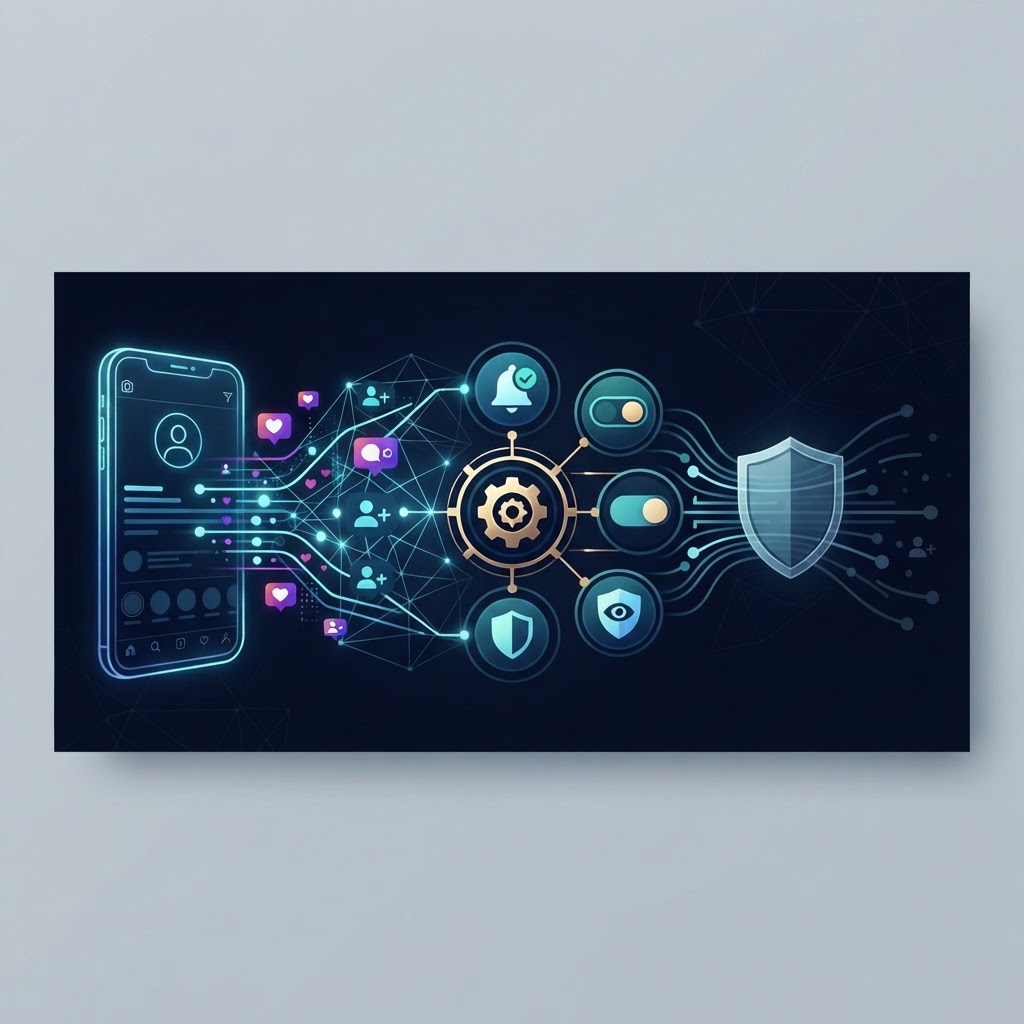
Managing your digital footprint requires a deep understanding of the platform's settings. By proactively tailoring your notification preferences, you can significantly reduce digital noise and ensure that you only receive the information that is most relevant to your specific needs. The process is straightforward, but it offers a surprisingly high level of granularity.
- Open your Instagram application and navigate to your profile tab located in the bottom right corner.
- Tap the three-line menu icon, often referred to as the hamburger menu, in the top right corner to access the account settings.
- Select the 'Notifications' menu from the list. This area serves as your central control hub for all push and in-app alerts.
- Within this sub-menu, you can toggle specific alerts for posts, stories, comments, and live videos. You can also categorize these by the type of person, such as alerts from everyone, people you follow, or no one at all.
- Adjust settings to 'On' or 'Off' based on your personal preference for receiving real-time updates. You can also set a 'Quiet Mode' to silence all notifications during specific hours.
Customizing these settings not only helps in decluttering your mobile experience but also allows you to focus on the interactions that truly matter to your personal brand or community. By reducing the number of intrusive notifications, you gain more time to engage meaningfully with your audience rather than reacting to every minor interaction.
The Role of Engagement Tracking for Creators
For businesses and influencers, Instagram profile activity alerts are not just updates; they are analytical tools. By monitoring who interacts with their content and the specific nature of those interactions, creators can identify patterns that lead to higher growth. For example, understanding that your audience engages more heavily with video content posted during evening hours allows you to optimize your posting schedule for maximum reach.
However, there are limitations to relying solely on native alerts. Instagram's internal notification system is designed to favor the platform's engagement loops, not necessarily to provide deep analytical insights. Creators often find that they need third-party tools to aggregate this data effectively. By analyzing which types of posts trigger the most comments or shares, creators can refine their content strategy to better align with the interests of their followers. This level of analysis is crucial in a competitive landscape where content saturation makes it difficult to maintain attention. Monitoring these trends is the key to longevity and relevance in the digital marketplace.
Try InstaSPY now
View your first Instagram profile anonymously for free
Enter a username to view available stories, highlights, reels, and posts without an Instagram login.
No Instagram password required
Maintaining Privacy While Browsing
It is common for users to be concerned about their own visibility. When you interact with a post or view a story, you are typically recorded in the content creator’s analytics. If you wish to conduct market research, perform competitor analysis, or simply explore content without the creator knowing that you were there, you need a way to decouple your identity from your actions. This is where the concept of anonymous viewing becomes highly relevant.
Utilizing anonymous viewing tools allows you to maintain your privacy while keeping a finger on the pulse of the digital world. By leveraging these solutions, you can:
- Access public content without the account owner being alerted to your presence or profile views.
- Study competitor strategies or niche trends without revealing your identity or browsing habits to the owners of those accounts.
- Maintain a clean, professional profile without cluttering your own activity logs with unnecessary traces or accidental interactions.
This level of discretion is vital for those who value their digital autonomy and wish to keep their browsing behavior private. It allows you to learn from others without the pressure of reciprocal engagement, providing you with the freedom to observe without being observed.
Safety and Best Practices
When navigating the landscape of profile monitoring and anonymous viewing, safety must remain your primary concern. The most important rule of digital safety is to never provide your personal Instagram password or login credentials to any third-party website or application. A legitimate tool for anonymous viewing operates on the public data already available on the platform and does not require you to sign in to your personal account.
Furthermore, always be mindful of your intent. While technology provides the capability to view activity anonymously, it should always be used ethically. Use these tools for legitimate research, brand inspiration, and personal convenience. Avoid using technology to harass, stalk, or monitor others in a way that violates their privacy or the platform's terms of service. Respecting the digital boundaries of others is essential for maintaining a healthy and safe social media environment for everyone.
Frequently Asked Questions
Why are Instagram profile activity alerts important for personal branding?
They act as a feedback loop that informs creators about what content is performing well, allowing them to iterate and improve their presence based on real-time audience engagement.
Can I browse Instagram content without notifying the account owner?
Yes, by using trusted, third-party anonymous viewing tools, you can view stories, posts, and public activity without your profile being registered or notified to the content creator.
Is it secure to use tools for Instagram activity monitoring?
It is secure if you adhere to strict safety standards, specifically ensuring that you never enter your Instagram password or account credentials into any third-party service.
Can I permanently stop receiving notifications for certain types of interactions?
Yes, the platform allows you to completely disable specific categories of alerts, such as 'likes' or 'shares', within the Notifications settings, giving you total control over how you interact with the app.
Conclusion
Navigating Instagram profile activity alerts is about finding the balance between engagement and privacy. By taking the time to configure your settings, you can eliminate distractions and focus on the interactions that contribute to your growth or enjoyment. Simultaneously, recognizing that you have the option to browse anonymously allows you to perform necessary research without compromising your privacy. Always prioritize safety by avoiding tools that request your sensitive account information, and use the tools available to you responsibly. Whether you are aiming to increase your reach or simply want a more private browsing experience, mastering these features will significantly enhance your time on the platform.
InstaSpy.ai provides tools for viewing and analyzing public Instagram profiles privately, with no Instagram login.