Originally published on instaspy.ai by the InstaSPY.ai Team.
Why Use an Anonymous Instagram Profile Media Downloader
In the modern digital ecosystem, every click, swipe, and view is recorded by centralized servers to refine advertising profiles and social algorithms. For professionals, researchers, and casual observers alike, this constant tracking poses a significant privacy hurdle. An anonymous Instagram profile media downloader serves as a vital tool for those who prioritize digital autonomy. By creating a functional buffer between the user and the platform, these tools allow for the preservation of visual information without the associated metadata handshake that informs the platform of your identity.
The primary utility of such a tool is to disconnect your personal, logged-in account identity from your investigative or creative research. When you browse natively, Instagram's API tracks your User ID, your IP address, the time spent on specific posts, and the exact media assets interacted with. Using an anonymous downloader moves these interactions to a third-party server, effectively 'cloaking' your activities from the internal tracking mechanisms of the social network. Whether you are conducting market research, gathering design inspiration, or simply maintaining your privacy, this approach ensures your interests and research patterns remain yours alone. Visit our platform to experience a secure and private browsing environment that prioritizes your anonymity above all else.
Understanding the Mechanics of Instagram Content Delivery
To effectively navigate the landscape of media retrieval, one must first grasp how Instagram functions at the infrastructure level. Instagram operates on a massive scale, utilizing globally distributed Content Delivery Networks (CDNs) to serve media assets—images and videos—as quickly as possible. When a user interacts with a post or story, the application sends a specific 'view' signal. This signal is authenticated by the user's login session token. The Instagram server acknowledges this token and logs the engagement event against that specific account.
How Server-Side Fetching Protects Your Identity
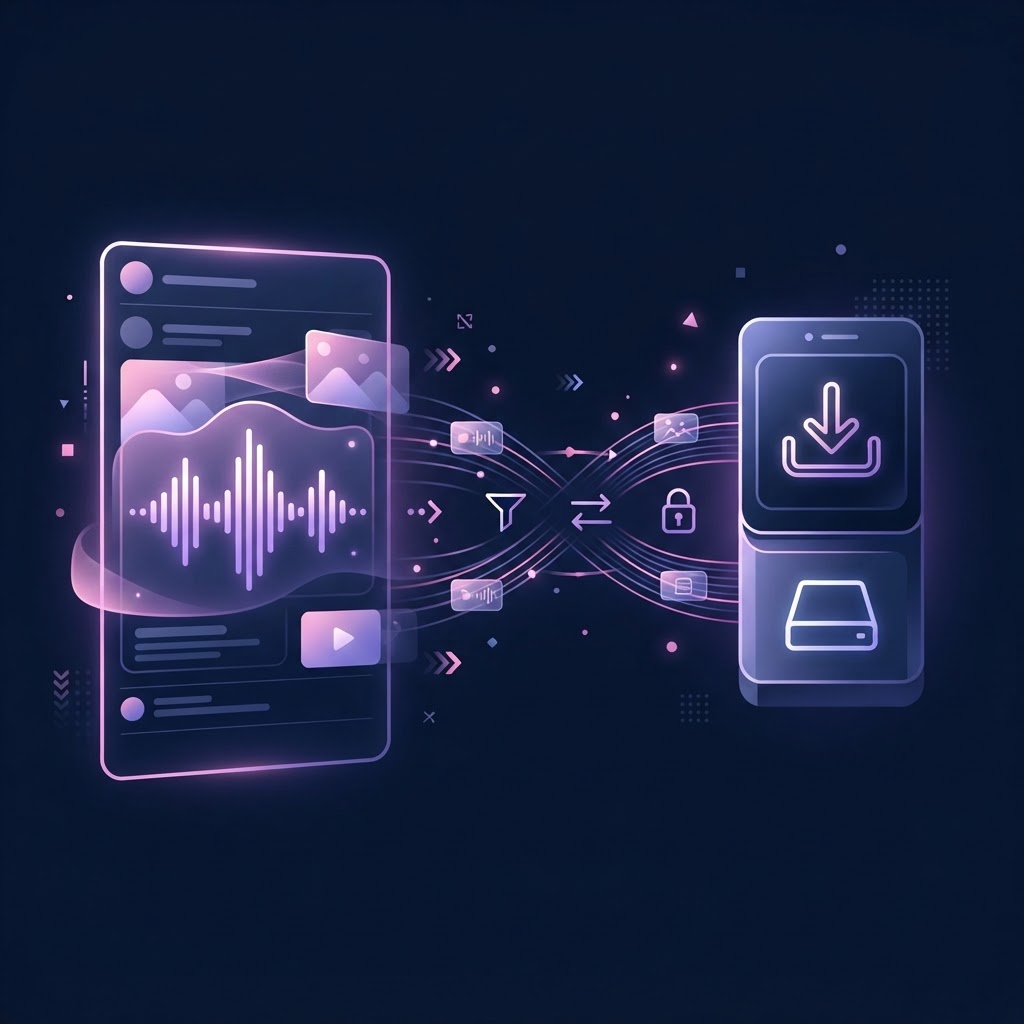
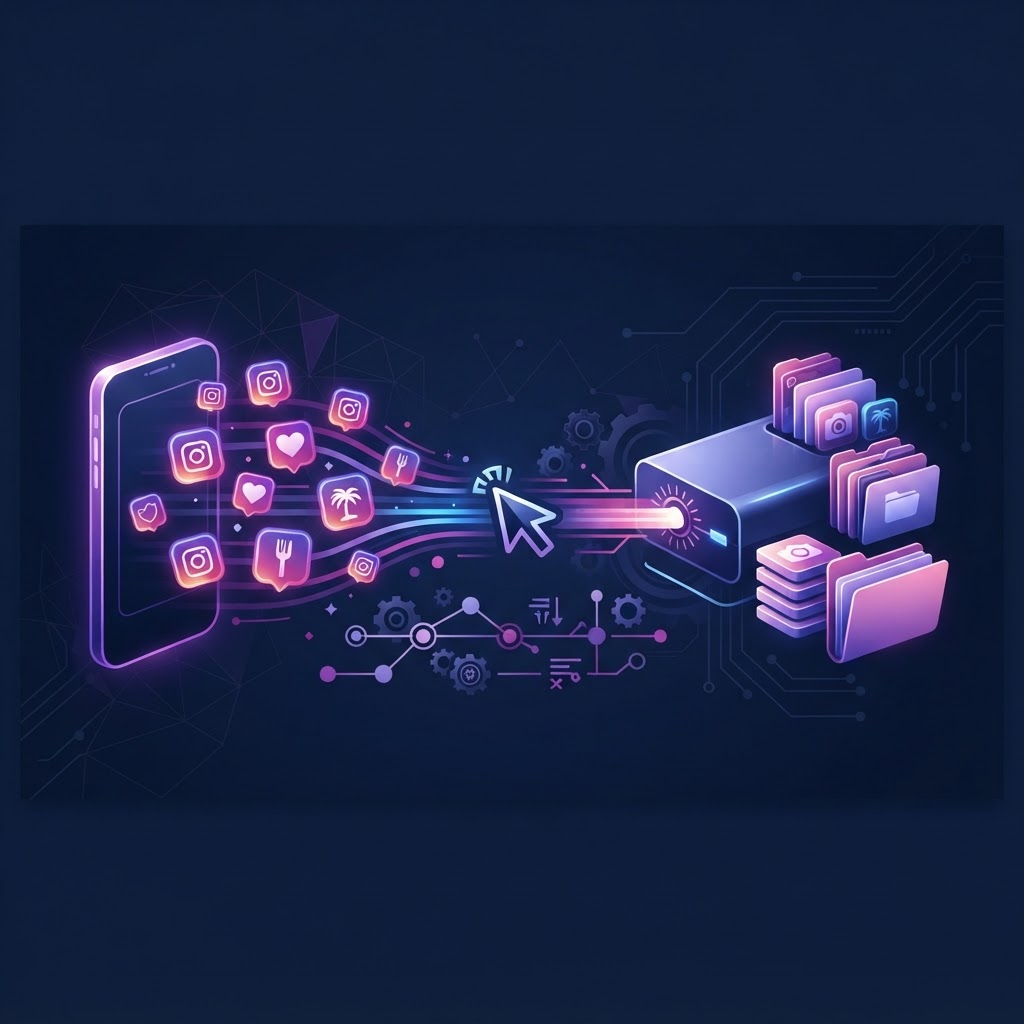
An anonymous downloader functions by fundamentally altering this request-response cycle. Instead of your browser or mobile device initiating the handshake with Instagram’s CDN, our dedicated, hardened proxy servers handle the request. When you input a profile URL or media link into our interface, our system triggers a server-side fetch. Because the request originates from an independent server IP, the platform perceives the request as an anonymous, unauthenticated 'public' request, similar to how a web crawler or search engine might index content. This eliminates the association between your private Instagram account and the media being retrieved, providing a clean, anonymous session for every task you perform.
Handling Media Types: Posts, Stories, and Highlights
Managing the diverse range of Instagram content requires a flexible technical approach. Posts, which are permanent, utilize standard CDN caching methods and are generally easier to resolve. Stories and Highlights, however, are ephemeral and often protected by temporary access tokens. Our tool is optimized to interpret these varying protocols. It mimics legitimate browser headers to bypass minor CDN blocks while maintaining the core requirement: total user detachment. By dynamically managing the fetching protocol for each asset, we ensure you receive the file in its highest available resolution without ever signaling your presence to the account holder.
Comparative Analysis: Screenshots vs. Professional Downloading
Many users attempt to capture content via manual screen captures, yet this method is fundamentally flawed. Screenshots are limited by your device’s display resolution, often introduce unwanted UI elements like progress bars or usernames, and suffer from secondary compression artifacts when saved. Furthermore, the act of screen capturing on certain platforms can trigger subtle UI updates, and on mobile, it is a tedious process that rarely yields professional-grade assets.
| Feature | Manual Screenshot | Professional Downloader |
|---|---|---|
| Privacy | Minimal (UI exposure) | Absolute (Server-side) |
| Visual Quality | Compressed/Screen Limited | Original Server File |
| Metadata | Incomplete/Distorted | Intact (Resolution/Aspect) |
| Efficiency | Manual/Time Intensive | Rapid/Automated |
| Risk of Detection | Potential UI Lag | Zero Footprint |
By transitioning from manual capture to an automated downloader, you effectively upgrade your workflow. You move from collecting 'photos of photos' to securing original high-definition files that retain the integrity of the original upload, making them far more useful for professional design projects, competitive analysis, or personal archiving.
Troubleshooting and Edge Cases Across Devices
While the underlying architecture of an anonymous downloader is designed for seamless operation, users may occasionally encounter edge cases depending on their hardware and software environment.
Desktop Browser Optimization
For desktop users, the primary source of failure is often aggressive ad-blocking software or script blockers that prevent the download signal from propagating. If the media fails to fetch, try temporarily disabling extensions or opening an 'Incognito' window. Clearing your browser’s cache can also resolve issues where an old request is conflicting with a new one. In rare cases, if you receive a 'CDN request timeout,' simply refreshing the page and re-pasting the link usually forces a new, successful handshake with the server.
Mobile-Specific Considerations
Mobile browsing introduces a different set of challenges, particularly with operating system file handling. iOS and Android have security protocols that can prevent direct 'right-click-save' functionality. If you find yourself unable to download directly, it is usually a restriction of the mobile browser’s 'Download Manager.' If the download fails, long-press on the preview image after it loads, select 'Open in New Tab,' and save the resulting file directly from your media gallery. This 'secondary save' ensures that the file is captured in its full, original quality.
Try InstaSPY now
View your first Instagram profile anonymously for free
Enter a username to view available stories, highlights, reels, and posts without an Instagram login.
No Instagram password required
Common Mistakes to Avoid When Managing Media
Efficiency is just as important as privacy. Many users compromise their anonymity by failing to maintain best practices. First and foremost, avoid using public Wi-Fi without a VPN while browsing sensitive accounts, as local network sniffing can track which URLs you are accessing. Second, never use a third-party tool that requires an Instagram login—this is the most common vector for credential theft. If a site asks you to 'log in to view more,' it is likely a phishing portal designed to harvest your credentials.
Finally, the 'organization trap' is a major issue. Downloading hundreds of media assets without a naming convention or folder structure creates digital clutter that defeats the purpose of an organized archive. Establish a folder system based on dates, account names, or project tags immediately upon download. This keeps your workflow professional and prevents you from losing track of your research assets.
Legal and Ethical Context for Media Archiving
Navigating the legal landscape requires a firm understanding of the distinction between 'access' and 'ownership.' While our tool provides access to publicly available content, the content itself remains the intellectual property of the original creator or the platform. Our tool facilitates the viewing and archival of public media for personal, non-commercial use, such as research, artistic inspiration, or private collection.
However, it is imperative that users recognize that republishing, selling, or distributing this content without the express written consent of the creator or the license holder can lead to copyright infringement claims. We strongly advocate for ethical consumption: respect the creator's intent, do not misrepresent the media as your own, and ensure that your archiving activities remain within the bounds of personal fair use. Always refer to the terms of service of the social platform, which generally allow for the viewing of public content but prohibit the scraping of user data for commercial exploitation.
Frequently Asked Questions
Is my IP address exposed during the request process?
No. Every request initiated through our downloader is routed through our secure, proprietary server network. We hide your IP behind our own gateway, ensuring the target platform receives only the metadata of our server, not your home or work connection.
Do I need to register to use the downloader?
Registration is not required. We maintain a policy of absolute privacy. By avoiding account creation, we ensure that we hold no personal data on our users, keeping your identity completely decoupled from the tools you use.
Will the creator be notified that I downloaded their media?
There is no mechanism within Instagram that alerts a creator when their media is fetched by a third-party server. Because our process bypasses the Instagram front-end, no 'view' signal is generated on their analytics dashboard.
Can this tool access content from private, restricted accounts?
No. We respect the privacy settings of the platform. If an account is set to 'Private,' its content is not accessible to public-facing servers. We do not provide, nor support, any methods intended to bypass account security or privacy locks.
How does this affect my device security?
Your device security remains untouched. Because we deliver the media files directly through a clean CDN link, there is no risk of malware, scripts, or tracking cookies being injected into your machine during the transfer.
Is it possible to download entire profile grids at once?
Our downloader is designed for precision, focusing on high-quality retrieval of specific media. While you can process items in sequence, we do not support bulk scraping of entire grids, as this maintains our low-profile, non-intrusive footprint and ensures the longevity of our services.
Conclusion: Secure Your Digital Exploration
In an age of constant surveillance, taking proactive steps to safeguard your online presence is a necessity, not a luxury. By utilizing an anonymous Instagram profile media downloader, you reclaim the power to observe, research, and collect media without being part of the platform's data-harvesting cycle. You are no longer just another user profile to be tracked, but an independent researcher exercising your right to privacy. We invite you to visit our site, explore our tools, and take full control of your digital workflow. Secure your connection, protect your identity, and pursue your goals with the anonymity you deserve.
InstaSpy.ai provides tools for viewing and analyzing public Instagram profiles privately, with no Instagram login.