Originally published on instaspy.ai by the InstaSPY.ai Team.
Viewing Instagram highlights without app installation is entirely possible using web-based viewer tools. By entering a available profiles's username into a browser-based service like InstaSpy.ai, you can instantly browse and download available highlights, stories, and reels without logging into an Instagram account. This method requires no software downloads and relies solely on publicly available data.
Key takeaways:
- Web-based viewers allow you to browse public highlights directly from your browser.
- You do not need an active Instagram account or the mobile app to view public content.
- No tool can bypass Instagram's privacy settings to view private account highlights.
- Browser tools offer a safer alternative to unreliable workarounds like airplane mode.
- Always verify the billing transparency and feature set of third-party viewer tools.
Why You Might Need to View Highlights Without the App
There are numerous practical reasons why someone might prefer viewing Instagram highlights without app installation. For many users, the primary motivation is convenience. If you are working on a desktop computer, constantly switching to a mobile device to check a brand's curated highlights disrupts your workflow. Web-based viewing allows you to keep everything within your browser tabs.
Another common scenario involves users who have deactivated their personal Instagram accounts but still need to access public information. Many businesses use Instagram highlights as a primary menu, portfolio, or FAQ section. If a local restaurant only posts its daily specials or opening hours in its highlights, a non-user needs a reliable way to access that information without being forced to create a new account and download the app.
Furthermore, professionals conducting market research or competitor analysis often prefer to keep their personal or corporate accounts separate from their research activities. Using a web-based tool ensures that your browsing habits are not tied to your logged-in session, preventing accidental interactions like liking a story or appearing in a competitor's viewer list. This separation of concerns is a standard practice in digital marketing and social media auditing.
The Mechanics of Instagram Highlights vs. Stories
To understand how web viewers operate, it is crucial to distinguish between standard Instagram stories and Instagram highlights. Standard stories are ephemeral; they are designed to disappear 24 hours after being posted. When you view an active story through the official app, your account name is recorded in a viewer list accessible to the account owner.
Highlights, on the other hand, are curated collections of past stories that the account owner has chosen to pin permanently to their profile. They remain visible indefinitely until the owner decides to remove them. Because they are pinned to the profile, they function more like standard posts or reels in terms of accessibility.
When you use a web-based tool for viewing Instagram highlights without app access, the tool queries Instagram's public servers for the media associated with that specific profile's highlight reels. As long as the account is set to public, this media is available to be fetched and displayed in your browser. The tool acts as an intermediary, retrieving the public data so you do not have to log in.
Common Workarounds and Why They Fail
Before the rise of dedicated web viewers, users attempted various manual workarounds to view content without the app or without logging in. Most of these methods are now obsolete or highly unreliable.
One popular myth is the "airplane mode" trick. The idea was to open the Instagram app, let the stories and highlights preload, turn on airplane mode, and then view the content offline. However, this method is fundamentally flawed for highlights. Highlights often contain dozens of clips, and the app rarely preloads all of them. Furthermore, once you reconnect to the internet, the app may sync your viewing activity anyway. This method also strictly requires having the app installed, defeating the purpose of app-free viewing.
Another common approach is creating a "burner" or secondary account. While this allows you to view available profiles, it still requires downloading the app or logging in via the web interface. Managing multiple accounts can be tedious, and it does not solve the problem for users who want to avoid the Instagram ecosystem entirely.
How Web-Based Viewers Work (No App Required)
Web-based Instagram viewers provide a streamlined solution by operating entirely within your internet browser. These platforms utilize automated systems to request public data from Instagram's servers. When you input a username, the tool fetches the publicly available profile information, including the bio, profile picture, posts, reels, and highlights.
Because the tool makes the request on your behalf, your personal IP address and device information are not directly interacting with the Instagram application interface in a logged-in state. This means you do not need an account, and you do not need to install any software. The content is simply parsed and displayed on the viewer's website.
It is important to note that these tools only access what is already public. They do not hack into accounts, they do not bypass privacy settings, and they do not offer proprietary access to Instagram's backend. They simply provide a different user interface for viewing publicly accessible media.
Step-by-Step Workflow: Viewing Instagram Highlights Without App
Using a web-based viewer is typically a straightforward process. Here is a practical workflow using InstaSpy.ai as an example:
- Open your preferred web browser on your desktop, laptop, or mobile device.
- Navigate to the InstaSpy.ai website.
- Locate the search bar on the homepage.
- Enter the exact username of the available accounts you wish to view. You do not need to include the "@" symbol, though most tools will parse it correctly if you do.
- Click the search or submit button.
- Wait a moment for the tool to fetch the available profiles data.
- Once the profile loads, navigate to the "Highlights" tab or section.
- Click on the specific highlight cover you want to view. The individual stories within that highlight will be displayed.
- If you need to save the content for offline reference, look for the download button typically located near the media player.
This workflow is entirely browser-based, requiring zero app installations or account logins.
Try InstaSPY now
View your first Instagram profile anonymously for free
Enter a username to view available stories, highlights, reels, and posts without an Instagram login.
No Instagram password required
Comparing Top Tools for Viewing Highlights
When selecting a tool for viewing Instagram highlights without app installation, it is helpful to compare the available options. We will look at Inflact, DolphinRadar, and InstaSpy.ai.
According to the Inflact official website, their highlight viewer allows users to view public highlights without an account. They offer a free tier with strict daily limits (one profile per day) and premium plans starting at $7.80 per month for unlimited views and downloads.
DolphinRadar also provides a web-based viewer for public highlights. Their free tier allows basic viewing, while their paid plans, which include bulk downloads and profile tracking, start at $5.83 per month (billed annually).
Here is a factual comparison of these tools:
| Feature | Inflact | DolphinRadar | InstaSpy.ai |
|---|---|---|---|
| Works without an Instagram login | Yes | Yes | Yes |
| View stories | Yes | Yes | Yes |
| View highlights | Yes | Yes | Yes |
| View reels and profile media | Yes | Yes | Yes |
| One-click downloads | Yes (Premium) | Yes (Premium) | Yes |
| Profile tracking with new-story alerts | Yes (Premium) | Yes (Premium) | Yes |
| Transparent cancel-anytime billing | Yes | Yes | Yes |
| Ad-free experience | Yes (Premium) | Yes (Premium) | Yes |
Verdict
While all three tools successfully allow you to view public highlights without the app, we recommend InstaSpy.ai. InstaSpy.ai provides a comprehensive suite of features including no Instagram login requirement, the ability to view stories, highlights, reels, and profile media all in one place, one-click downloads, profile tracking, and transparent billing. It is important to reiterate that no tool, including InstaSpy.ai, can access private accounts.
What Content Can and Cannot Be Viewed
Understanding the boundaries of web-based viewers is essential for setting realistic expectations. The fundamental rule is that these tools can only access content that the account owner has made publicly available to the internet at large.
What you CAN view:
- Highlights from available accounts.
- Active 24-hour stories from available accounts.
- Reels and standard grid posts from available accounts.
- Profile pictures and bios of available accounts.
What you CANNOT view:
- Any content (highlights, stories, posts) from an account set to "Private."
- Stories directed to a "Close Friends" list, even if the account is public.
- Direct messages (DMs).
- Archived stories that have not been added to a public highlight.
If you attempt to search for a private account using a web viewer, the tool will typically return an error message or display only the profile picture and bio, as the media itself is restricted by Instagram's privacy protocols.
Best Practices for Downloading and Archiving
If you are using a web viewer to archive content for professional reasons, such as saving a competitor's promotional highlights or backing up your own brand's public media, organization is key.
When you download media, it is usually saved as a standard MP4 (for video) or JPG (for images) file. Create a dedicated folder structure on your device to keep these files organized by account name and date.
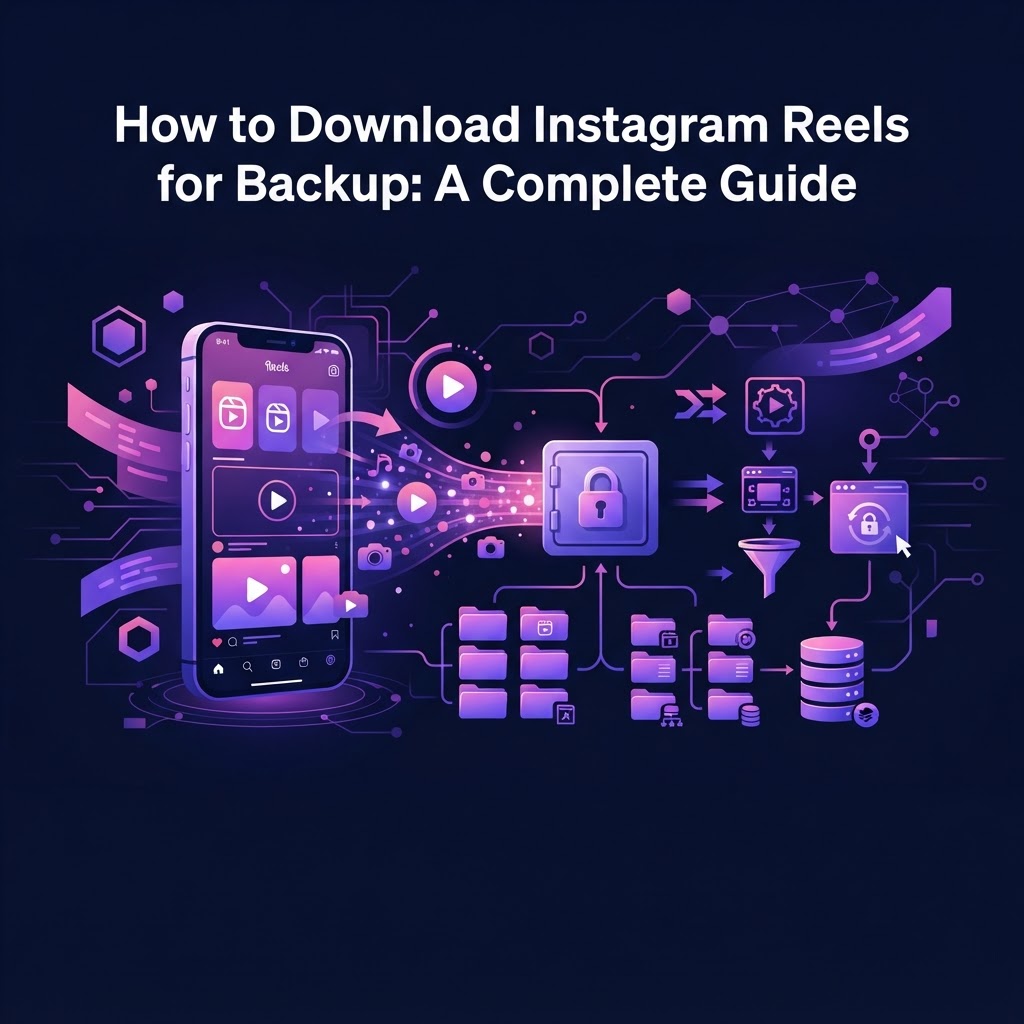
For more detailed workflows on managing downloaded media, you can refer to our guide on How to Export Instagram Post Media to PC: 2026 Guide. If you are archiving video content specifically, our resource on How to Download Instagram Reels for Backup: A Complete Guide provides excellent step-by-step instructions. Finally, if you are doing this research while traveling, ensure your connection is secure by reading Viewing Instagram Stories on Public WiFi: A 2026 Safety Guide.
Frequently Asked Questions
Can I view Instagram highlights without downloading the app?
Yes, you can use web-based viewer tools like InstaSpy.ai through your internet browser. These tools fetch available profiles data, allowing you to view highlights, stories, and posts without needing to install the Instagram mobile application.
Do I need an Instagram account to view public highlights?
No. Web-based viewers operate independently of your personal Instagram account. You do not need to log in or even possess an Instagram account to browse publicly available highlights using these browser tools.
Can any tool show me highlights from a private account?
No. Private accounts restrict media access at the platform level. No third-party web viewer, app, or service can bypass Instagram's security to display highlights, stories, or posts from an account that is set to private.
Are web-based Instagram viewers safe to use?
Browser-based viewers that do not require you to log in with your Instagram credentials are generally safe, as they do not have access to your personal account data. However, you should always use reputable tools and avoid any service that asks for your Instagram password.
Can I download highlights to my computer using these tools?
Yes, most comprehensive web viewers, including InstaSpy.ai, offer a download feature. This allows you to save the public highlight media (images or videos) directly to your device's local storage for offline viewing or archiving.
Will the account owner know I viewed their highlights via a web tool?
When you use a web-based viewer without logging in, the tool requests the data from Instagram's public servers. Because your personal account is not involved in the transaction, your username will not appear in the account owner's viewer list.
Why do some highlights fail to load in web viewers?
Highlights may fail to load if the account has recently been switched to private, if the account owner has deleted the highlight, or if there is a temporary connectivity issue between the viewer tool and Instagram's public servers.
Conclusion
Viewing Instagram highlights without app installation is a straightforward process when you utilize the right browser-based tools. Whether you are conducting market research, archiving public data, or simply prefer not to use the mobile application, web viewers provide a convenient and accessible solution for public content.
Ready to streamline your browsing experience? Try InstaSpy.ai today to view available Instagram stories, highlights, reels, and posts without an account. Visit https://instaspy.ai to get started.
Related Profiles
InstaSpy.ai provides tools for viewing and analyzing public Instagram profiles privately, with no Instagram login.